My 2026 Homelab Architecture — Part 2: Services & Apps
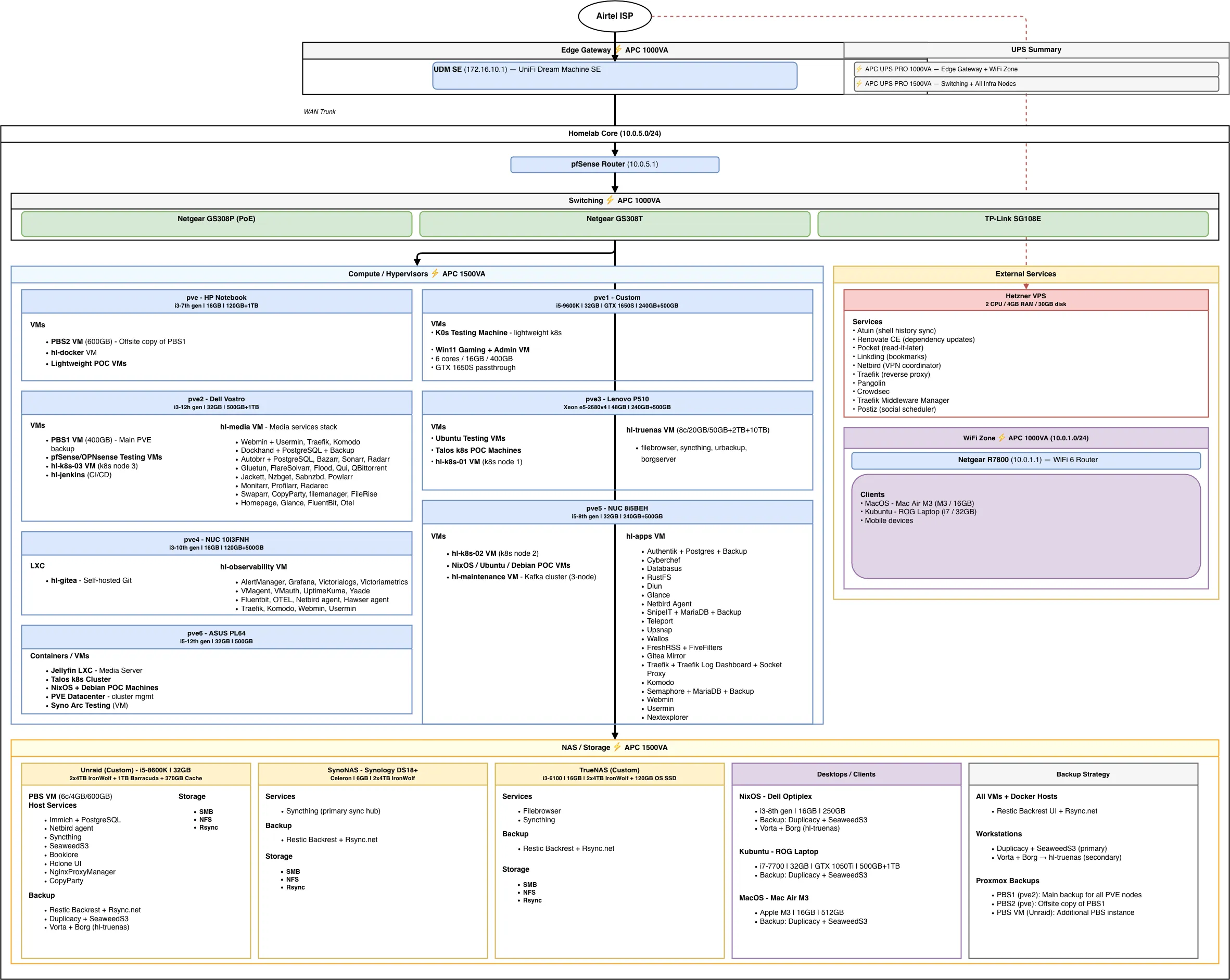
My homelab services & apps — every VM, LXC, and container running across seven Proxmox nodes, four NAS devices, and a Hetzner VPS.
Quick Recap#
In Part 1, I walked through the core infrastructure: a UDM SE and pfSense for network segmentation, seven Proxmox nodes with over 200GB of RAM and 40+ cores, four NAS devices totaling around 37TB of raw storage, PiKVM for out-of-band management, and APC UPS units protecting the whole setup.
Now, let’s talk about what actually runs on all that hardware: every VM, LXC, and container across the seven Proxmox nodes, Unraid, TrueNAS, and the Hetzner VPS. For the operational side — including backups, monitoring, deployment automation, and my plans for 2026 — stay tuned for Part 3: Operations & Plans.
Proxmox Node Services#
pve — Backup & Lightweight Services#
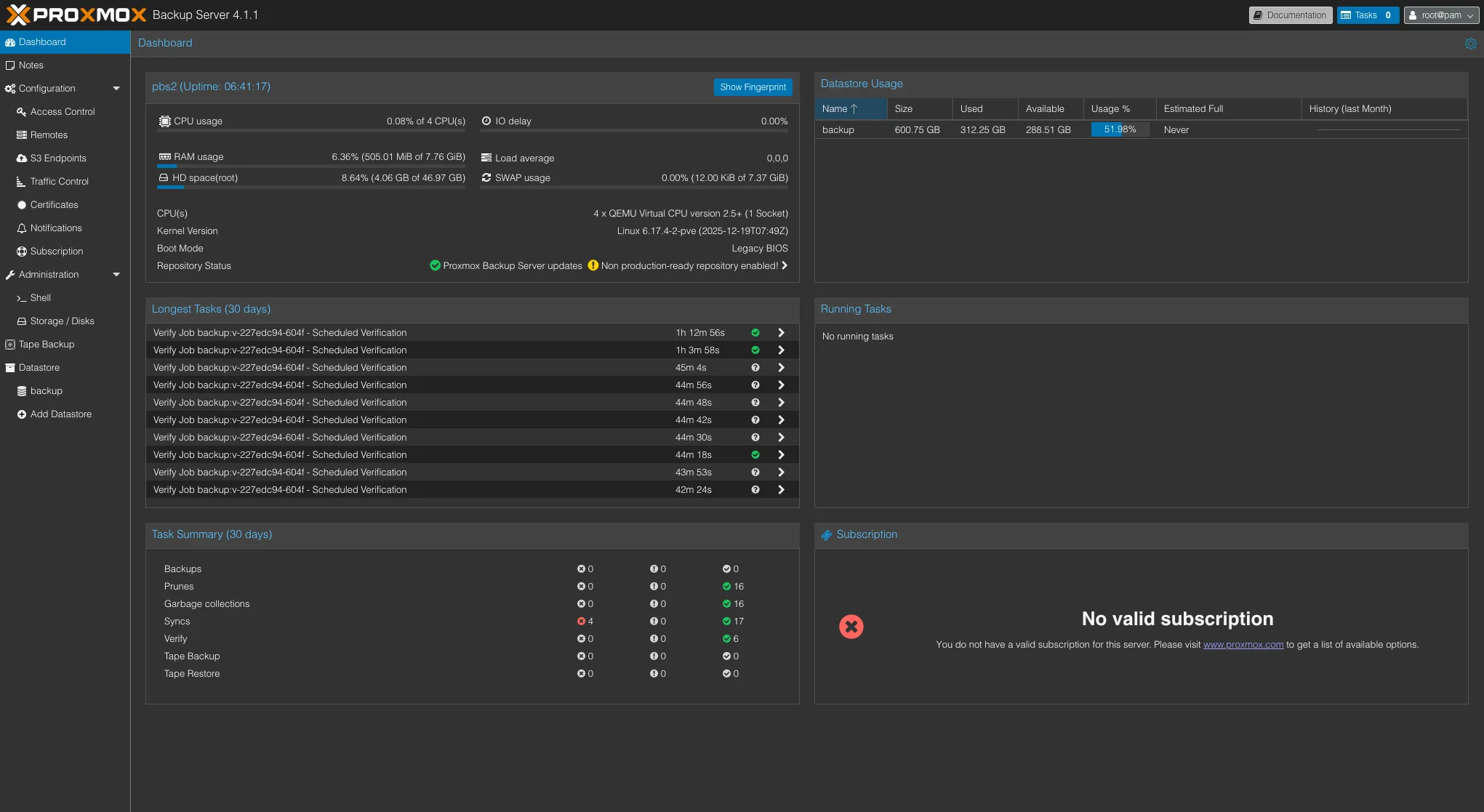
This is one of the oldest machines in my lab — an HP Notebook with a 7th gen i3, 16GB RAM, a 120GB boot SSD, and a 1TB HDD. The speeds are decent, but not quite up to 2026 standards, and the HDD makes it a poor fit for any serious workload. Still, it handles lightweight tasks just fine — which is exactly what I use it for.
Since this machine isn’t built for heavy lifting, it serves two main roles: offsite backup storage and always-on lightweight services.
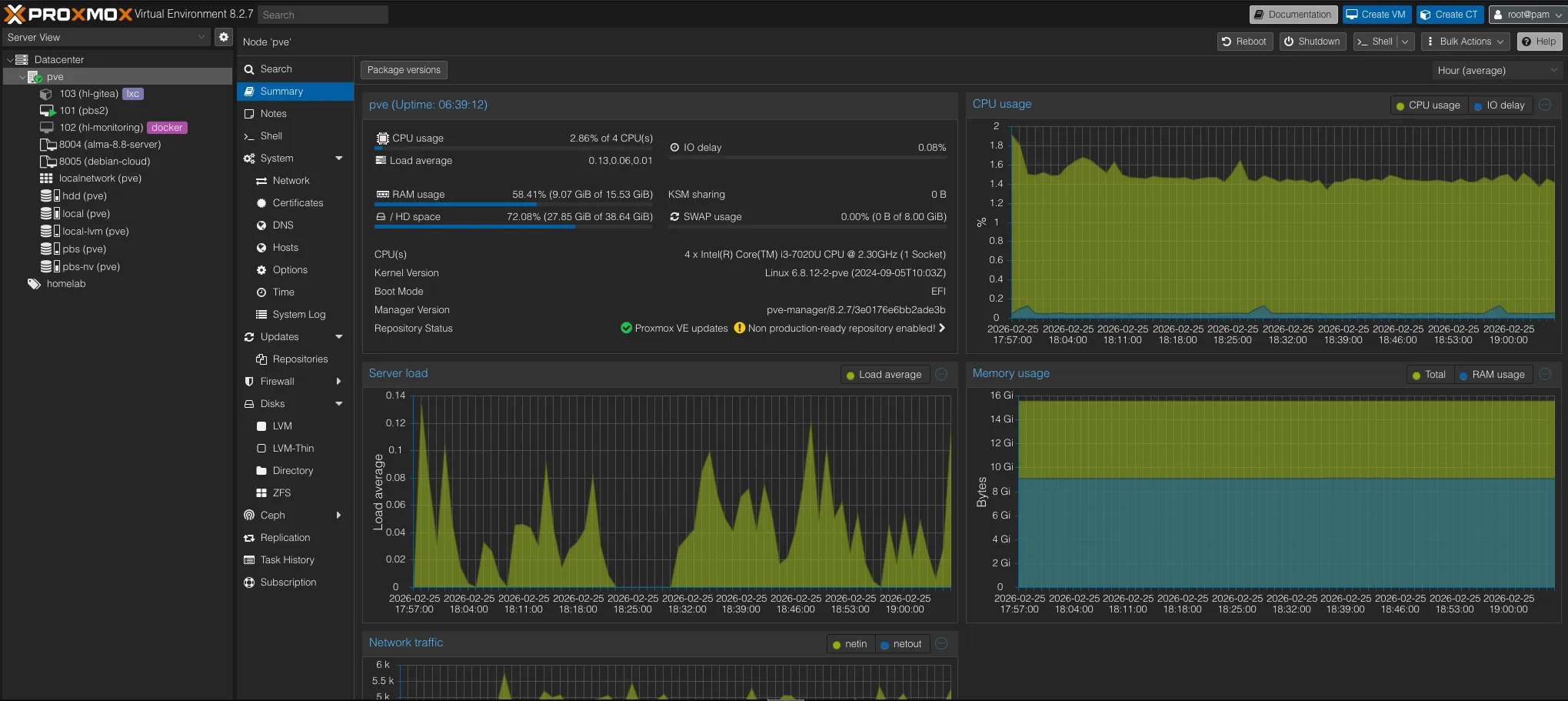
PBS2 — Offsite Backup Copy
PBS2 runs as a VM on this node and stays in sync with PBS1 (on pve2). Every Proxmox backup that lands on PBS1 is replicated here, giving me a second copy of all VM and container backups on separate hardware. If PBS1 or pve2 has a disk failure, PBS2 still has the data.
hl-docker — Always-On Services
hl-docker is a lightweight VM that runs Docker containers for services I always want online:
| Service | Purpose |
|---|---|
| upsnap | Wake-on-LAN dashboard — power on any server from a web UI |
| portracker | Port tracking and monitoring across the homelab |
| NetbootXYZ | Network boot server — PXE boot any machine into installers or recovery tools without a USB drive |
pve1 — GPU & Windows Workloads#
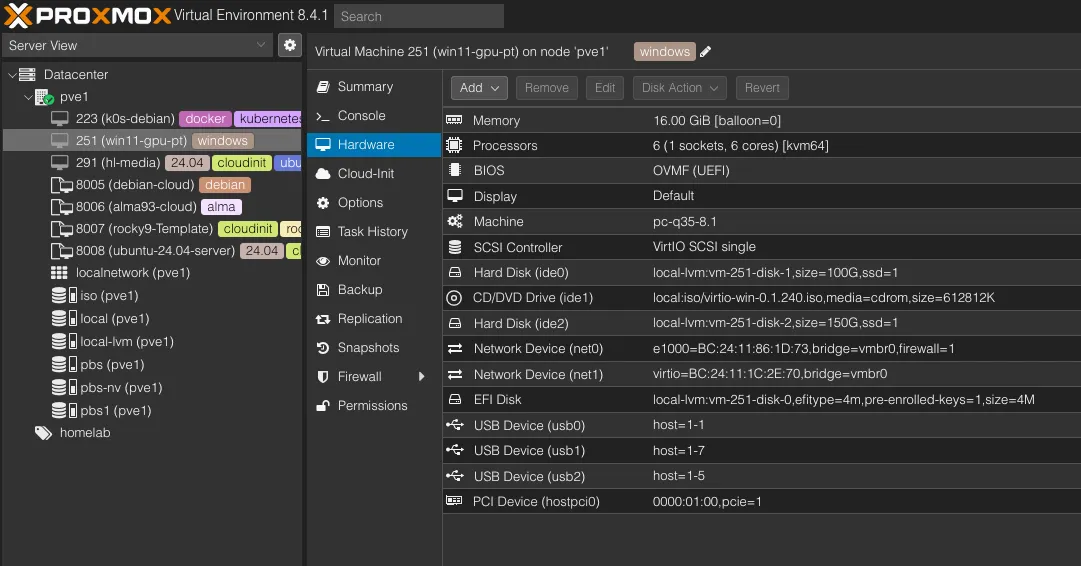
This was my gaming PC back in college. The i5-9600KF is a solid CPU for homelab use, but as this is an “F” series CPU, which has no integrated GPU — and Nvidia drivers on Linux are always a hassle. Rather than running Windows bare metal just to use the full hardware, I installed Proxmox and now run Windows as a VM with GPU passthrough.
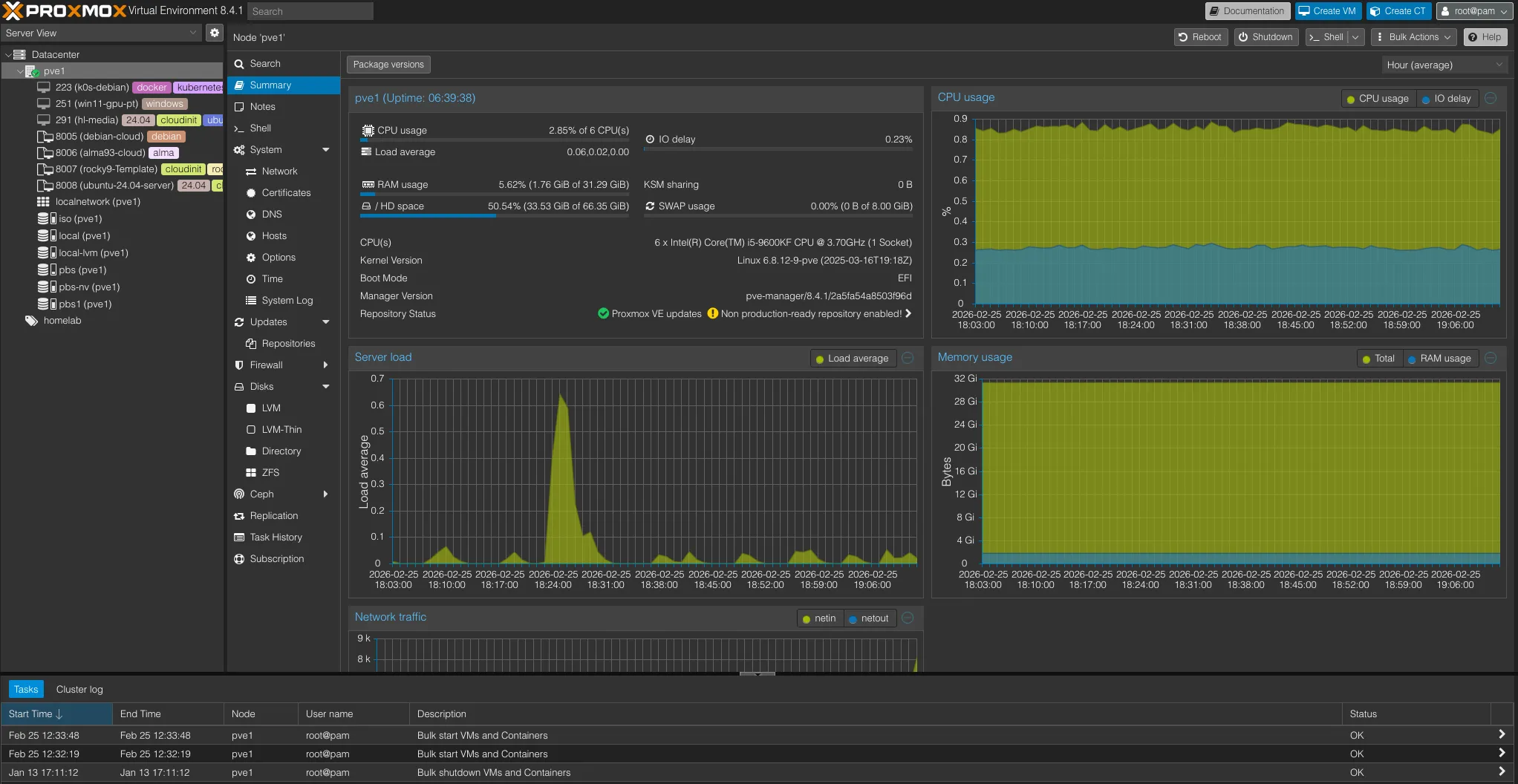
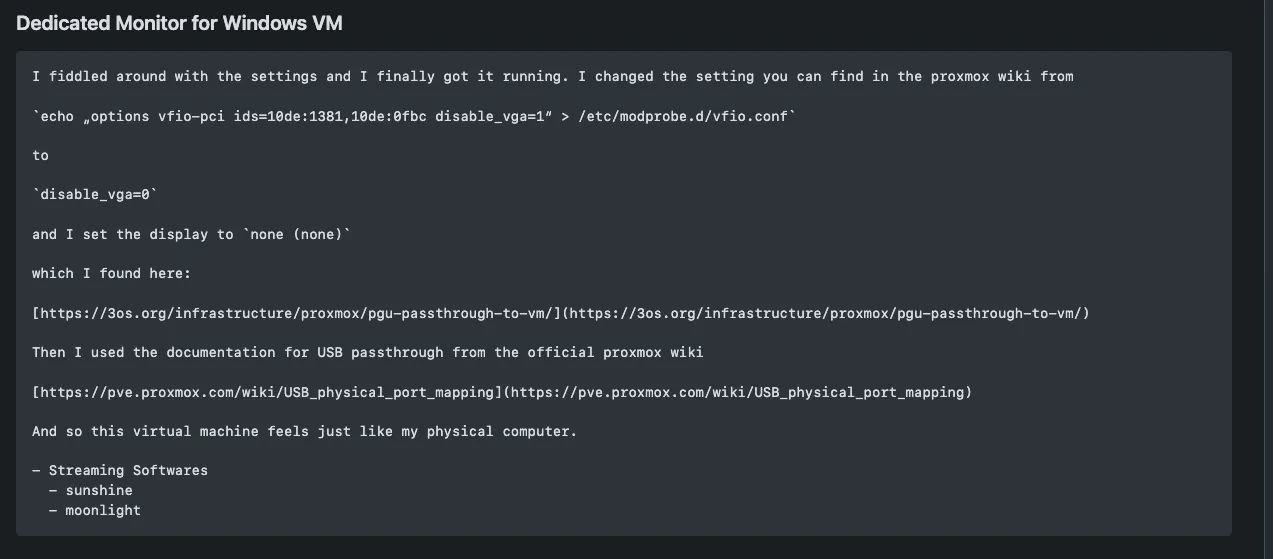
The GTX 1650 Super is passed through to the Windows VM, along with the USB ports, so I can plug in a keyboard and mouse directly. I found a community config that lets me use an HDMI or DisplayPort cable straight from the GPU to my monitor instead of relying on RDP, so it works and feels just like a regular desktop. It handles smaller games efficiently, which is all I need.
Beyond the Windows VM, this node also runs a dedicated monitoring VM to monitor system health.
pve2 — General-Purpose Workhorse#
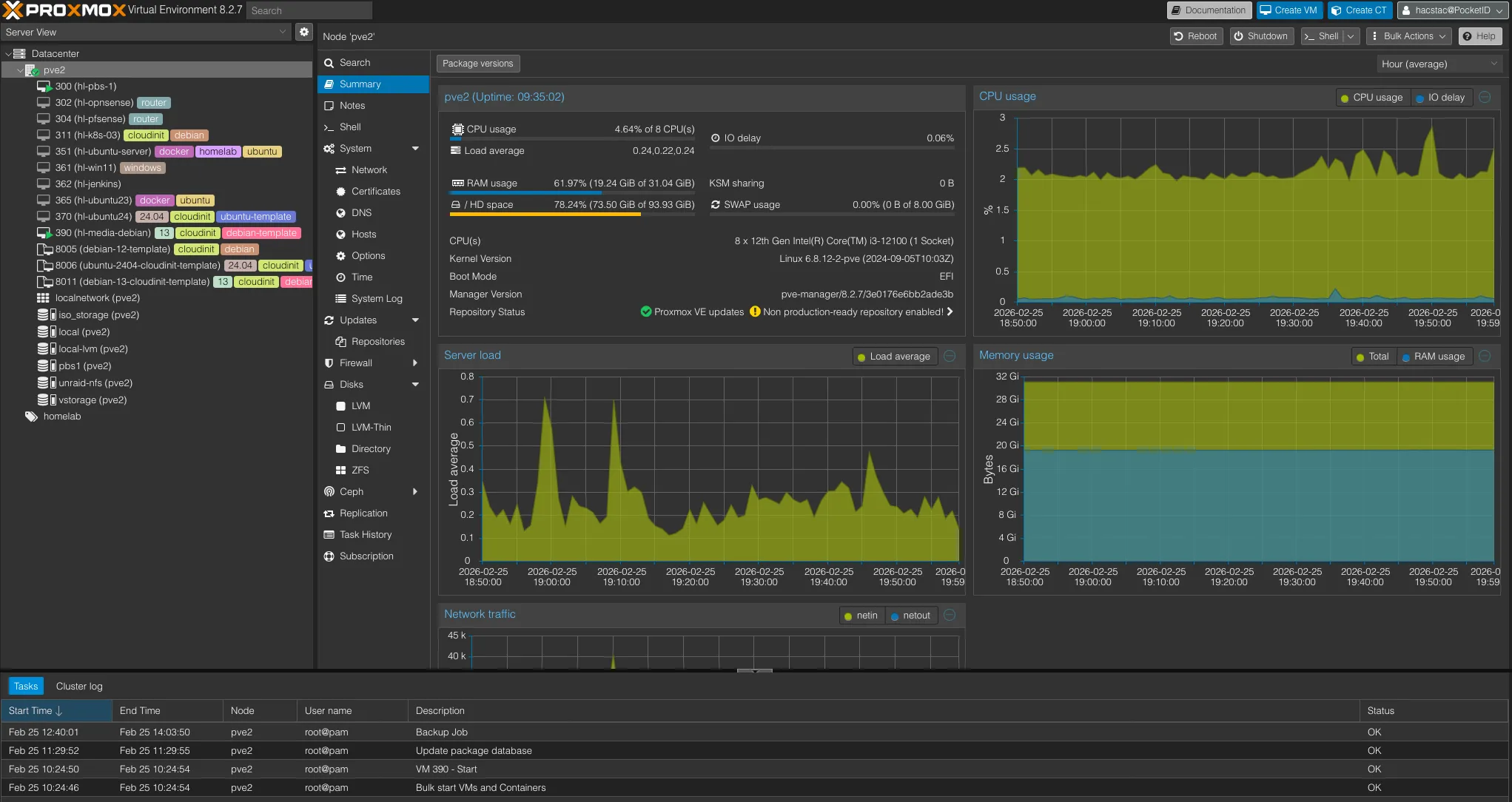
This is the most stable and rock-solid machine in my lab. It’s a small form factor Dell Vostro with a 12th gen i3 (8 cores), 32GB RAM, and both 500GB and 1TB NVMe SSDs — fast, quiet, and reliable for anything I throw at it.
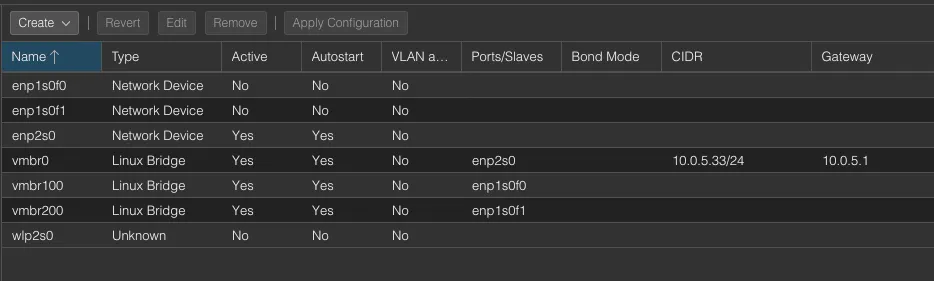
With multiple NICs, this node doubles as my networking testbed. Before making any changes to the main pfSense, I spin up a VM-based pfSense here to test configurations first. It also runs a few proof-of-concept and testing machines (Debian, Ubuntu) for whatever I’m experimenting with at the time.
hl-media — The Media Stack
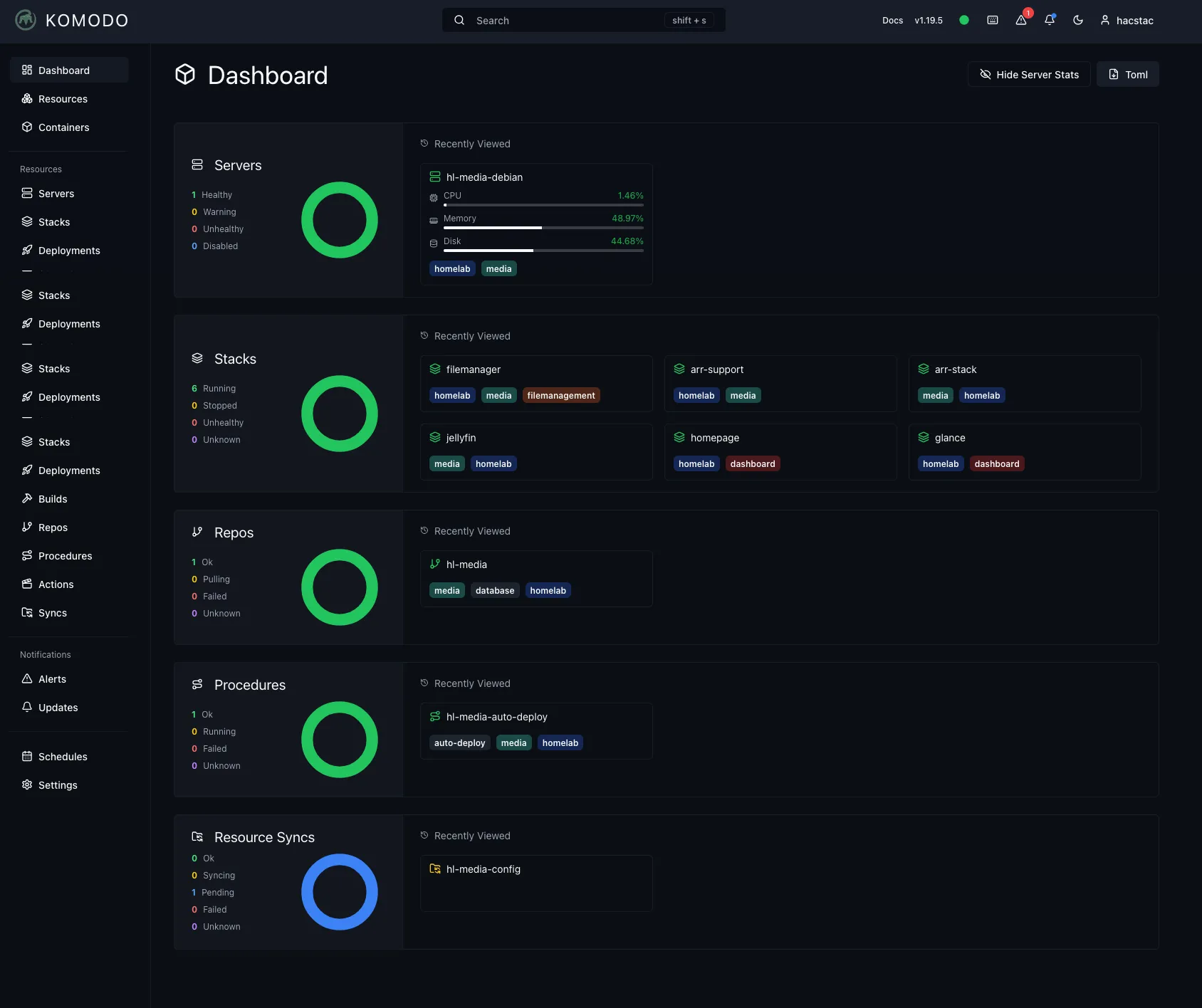
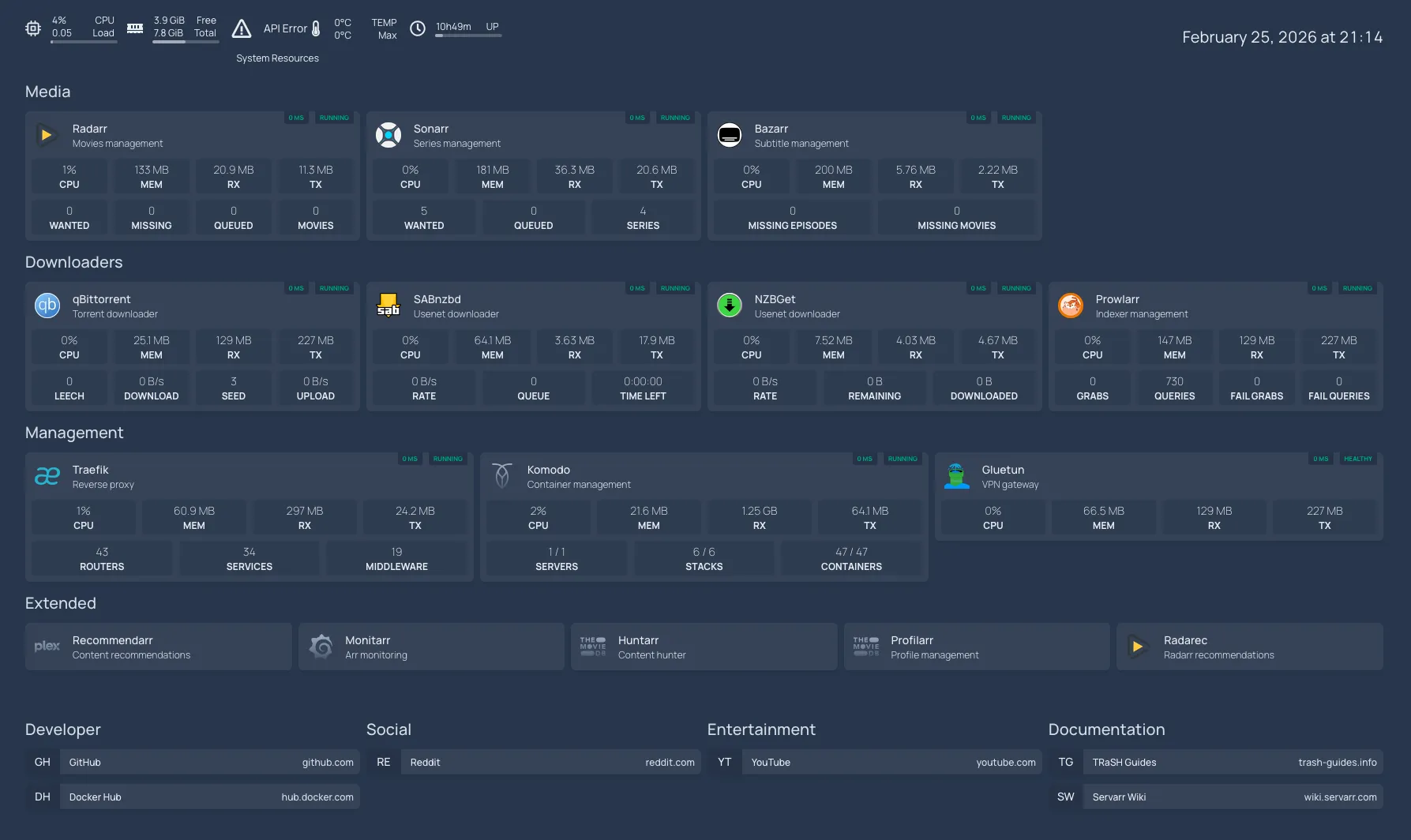
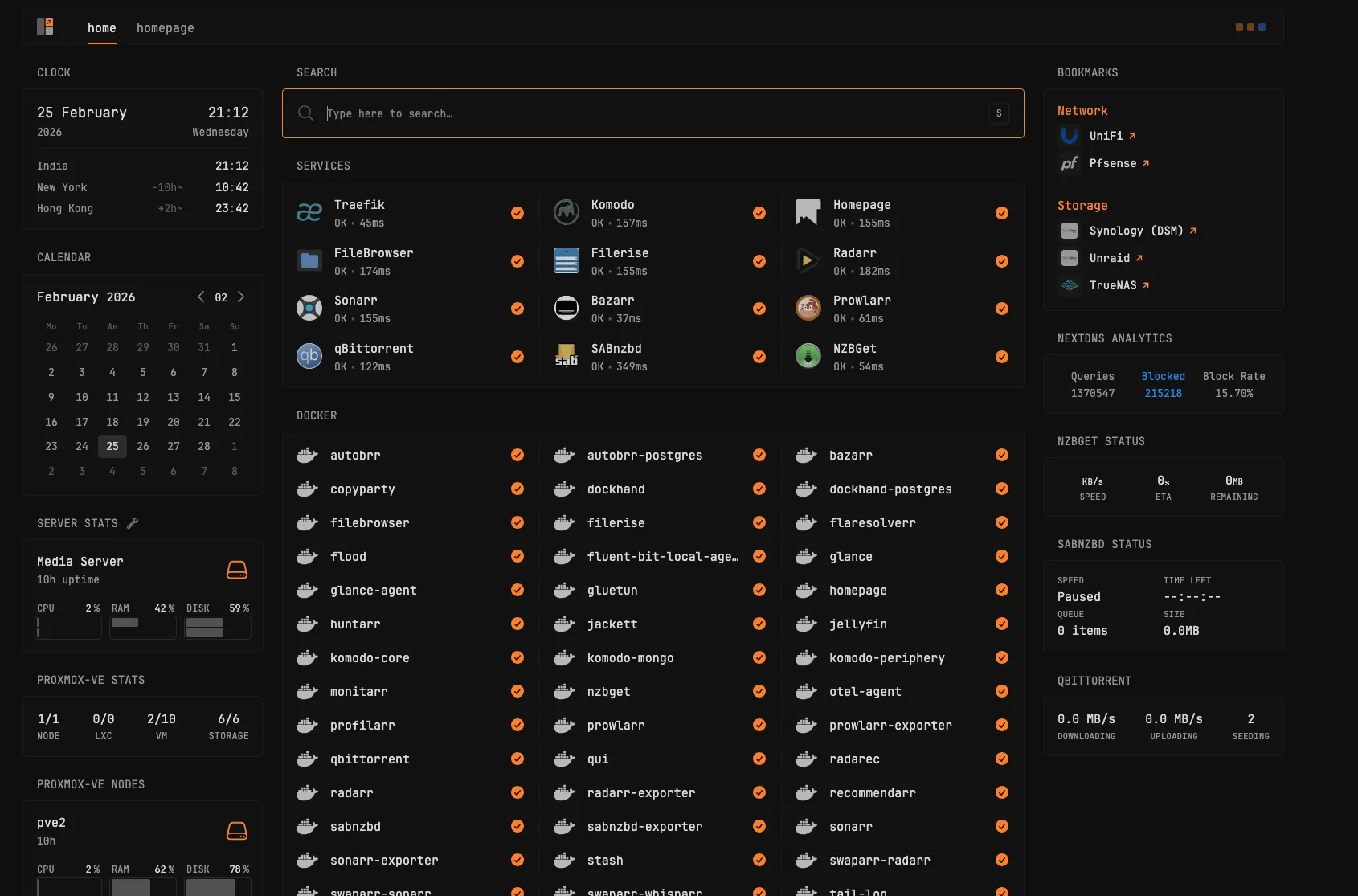
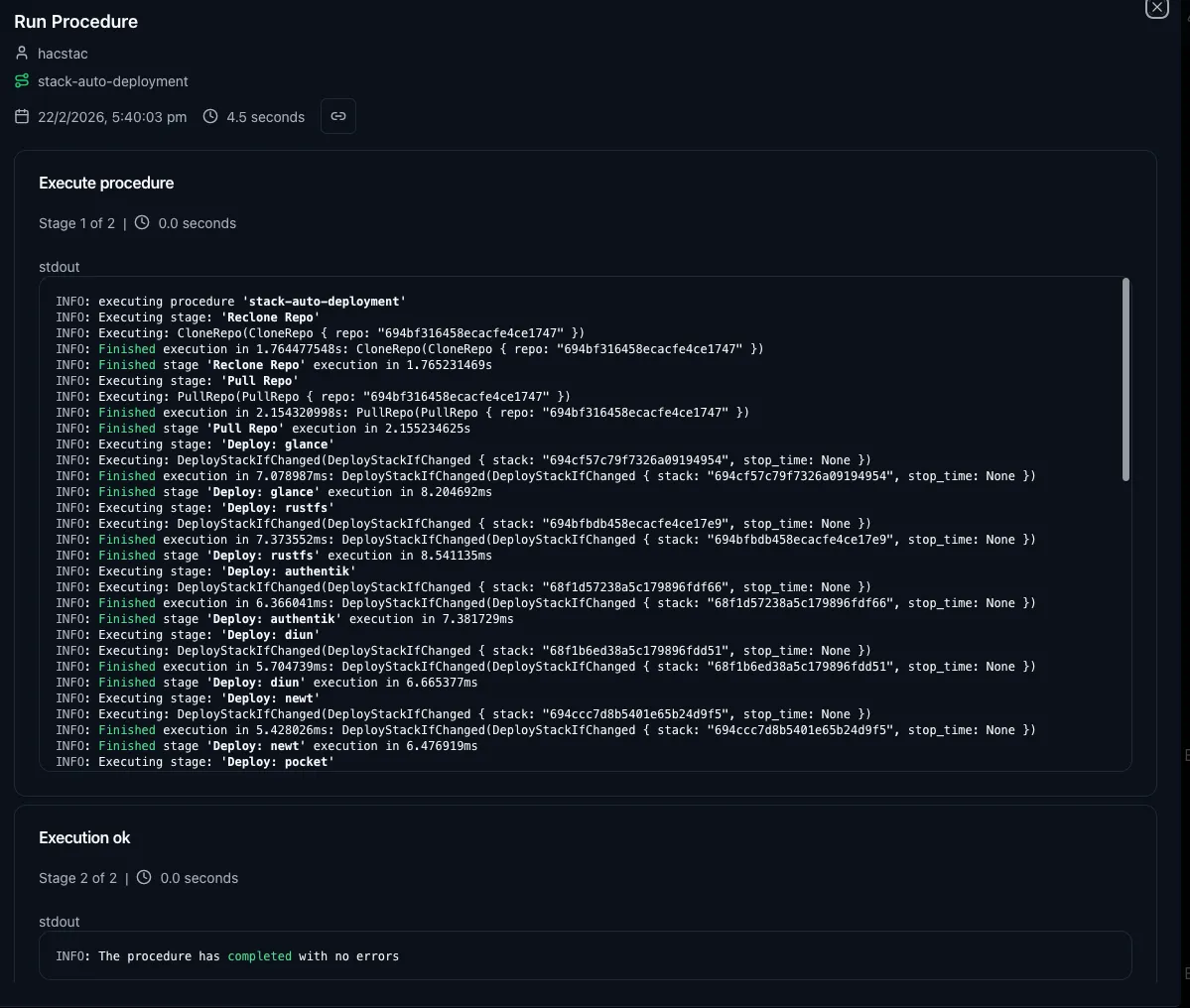
hl-media is my media workhorse — a VM with 300GB of local storage and NFS shares mounted from Unraid. Every service runs in Docker Compose, deployed through GitHub Actions with Komodo as the CI/CD utility, and Traefik sitting in front as the reverse proxy.
Here’s the full stack running on hl-media:
| Category | Services |
|---|---|
| Download & Indexing | autobrr, prowlarr, jackett, flaresolverr, qbittorrent, Qui, flood, nzbget, sabnzbget, gluetun |
| Media Management | radarr, sonarr, bazarr, monitarr, profilarr, radarec, unpackerr, swaparr |
| Media Playback | jellyfin |
| File Management | copyparty, filemanager, filerise |
| Dashboards | homepage, glance |
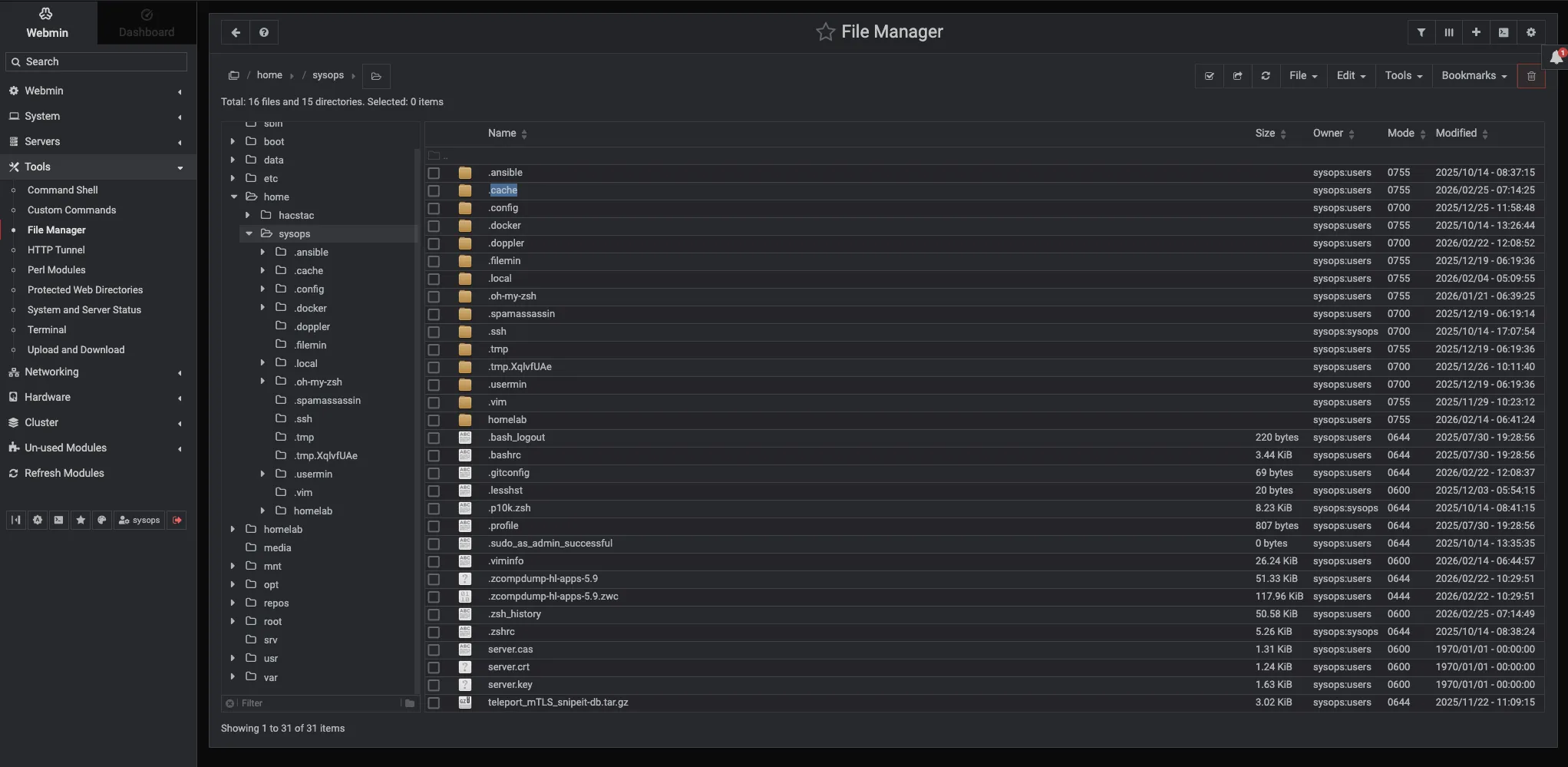
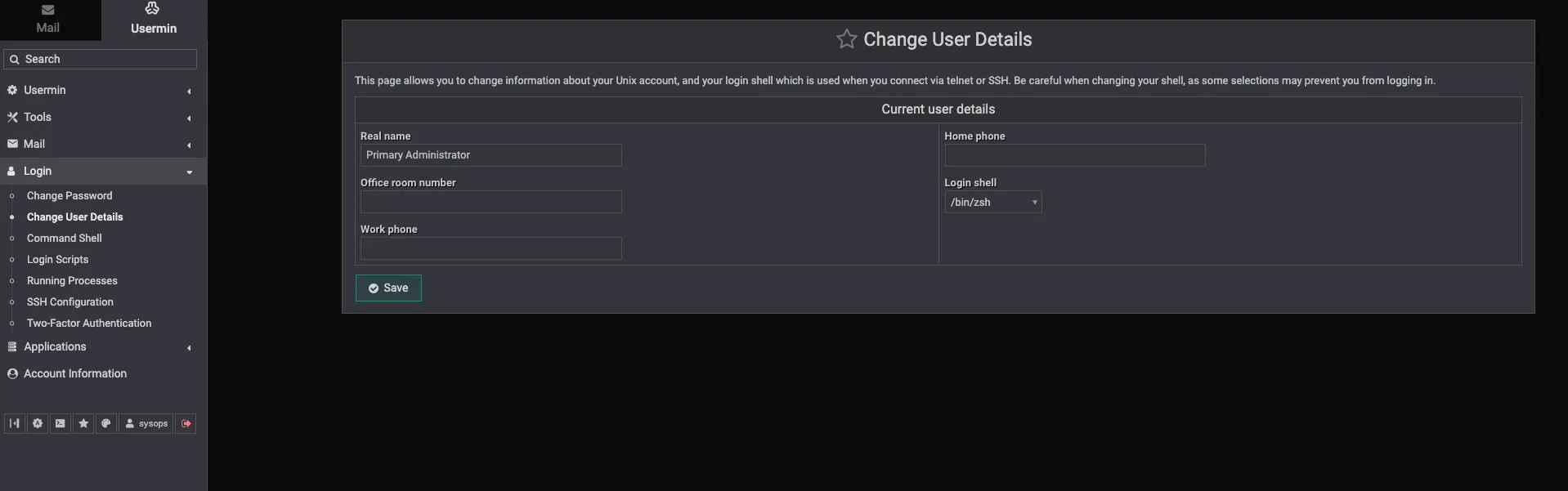
| Server Management | webmin, usermin, dockhand (+ postgres + backup) |
| Infrastructure | traefik, komodo |
| Observability | fluentbit, otel, hawser agent |
Kubernetes Cluster
This node also runs my homelab Kubernetes cluster, mainly for GitOps and testing. I originally planned to move all self-hosted services to K8s, but it turned out to be overkill — keeping those VMs running 24/7 for just a handful of services wasn’t worth the overhead. I ended up switching back to Docker Compose, which is more convenient and stable for my workload. The K8s cluster still runs for learning and experimentation.
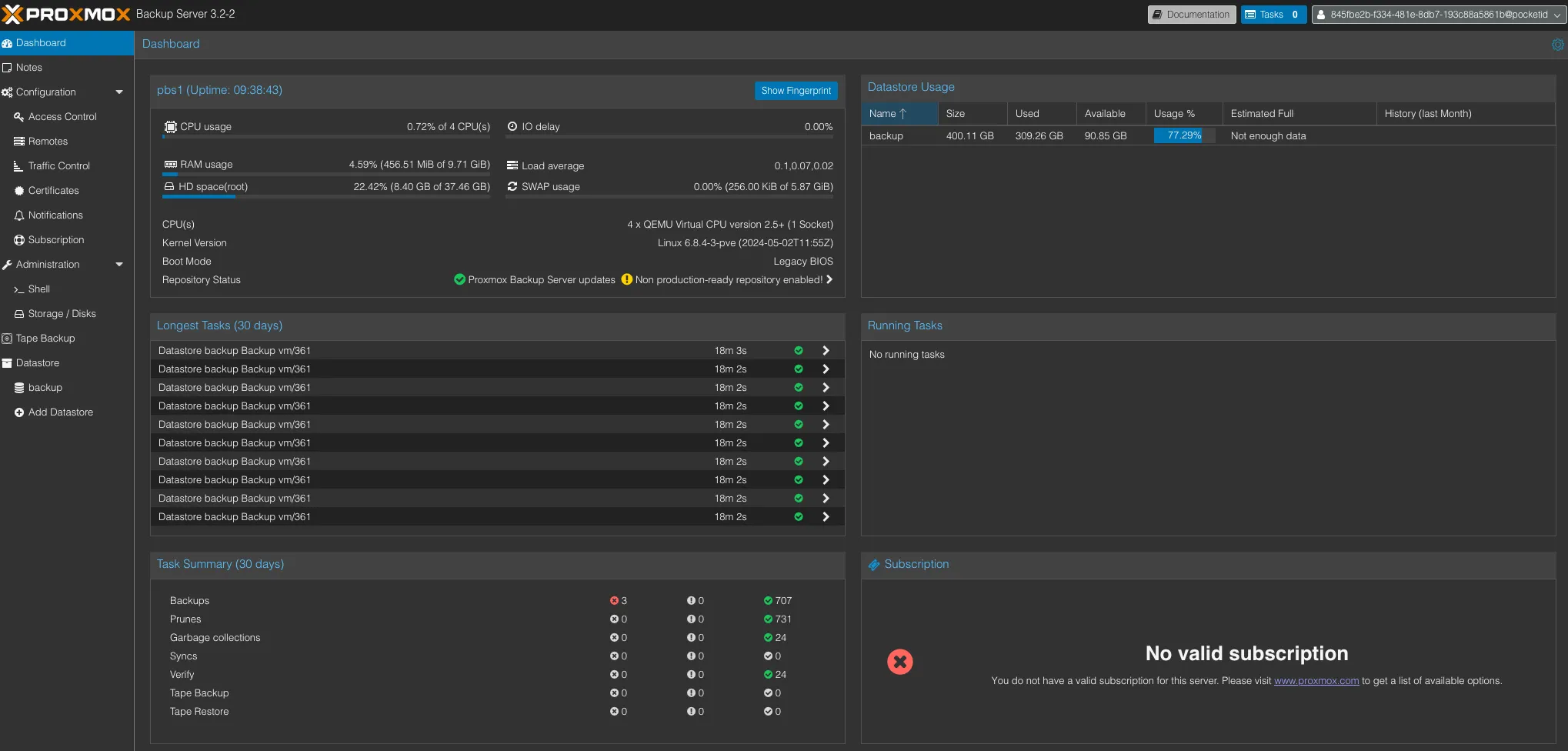
PBS1 — Primary Backup Server
PBS1 runs as a VM with 400GB of storage, backing up selected PVE nodes. It stays in sync with PBS2 (on pve), so every backup here is replicated to a second copy on separate hardware.
pve3 — Heavy Compute & Storage#
This is the only Xeon-based machine in my lab — a refurbished Lenovo P510 workstation, but rock solid. With 28 threads from the Xeon E5-2680 v4, 48GB ECC RAM, and both 240GB and 500GB of local storage, it handles the heaviest workloads in the cluster without breaking a sweat.
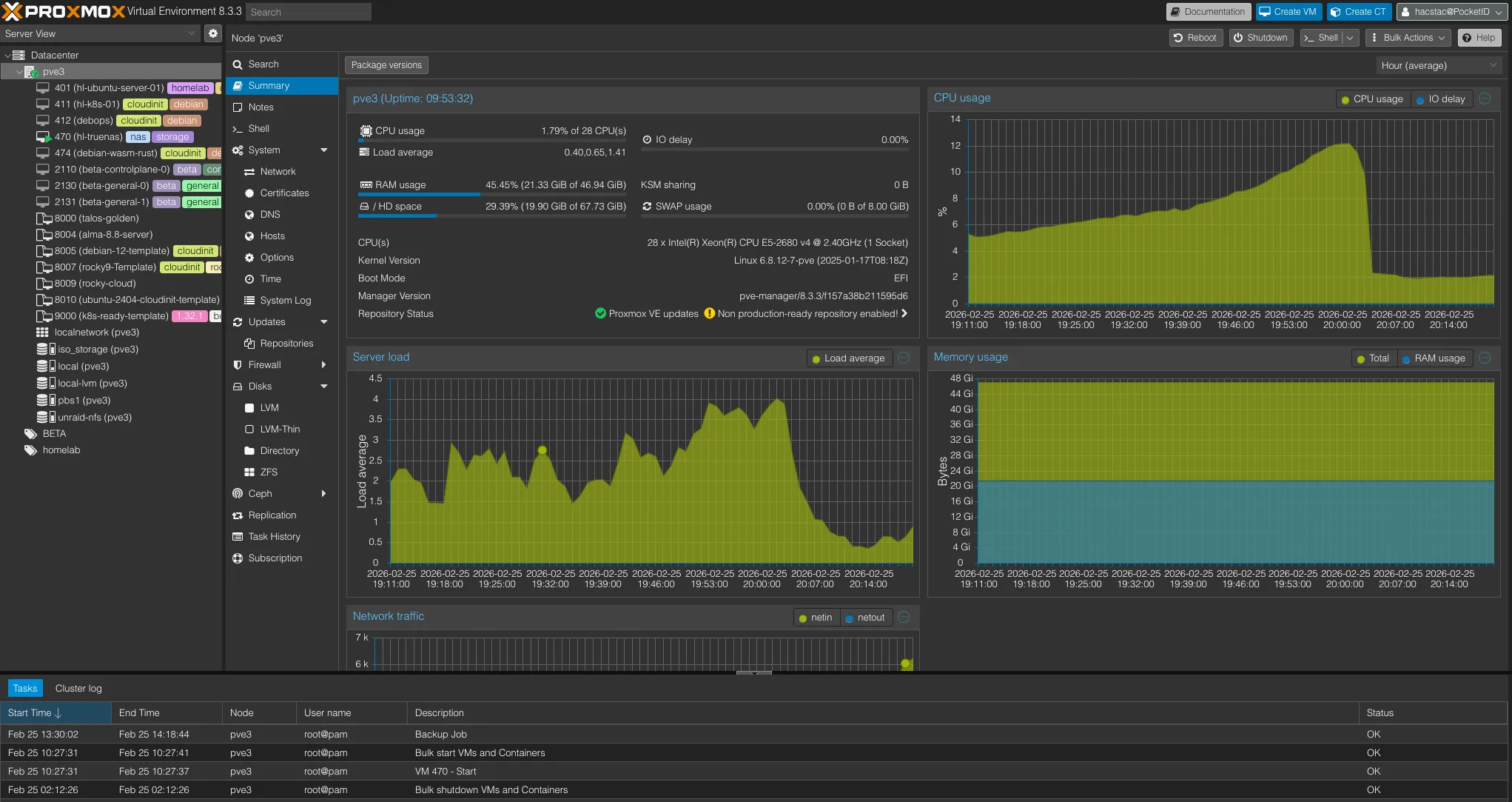
HL-TrueNAS — Bulk Storage VM
The SATA PCI controller is passed directly to the HL-TrueNAS VM, which has 2TB and 10TB disks attached for storing large datasets. TrueNAS gets full control over the drives, while Proxmox manages everything else. I’ll cover what runs on HL-TrueNAS in detail in the NAS section below.
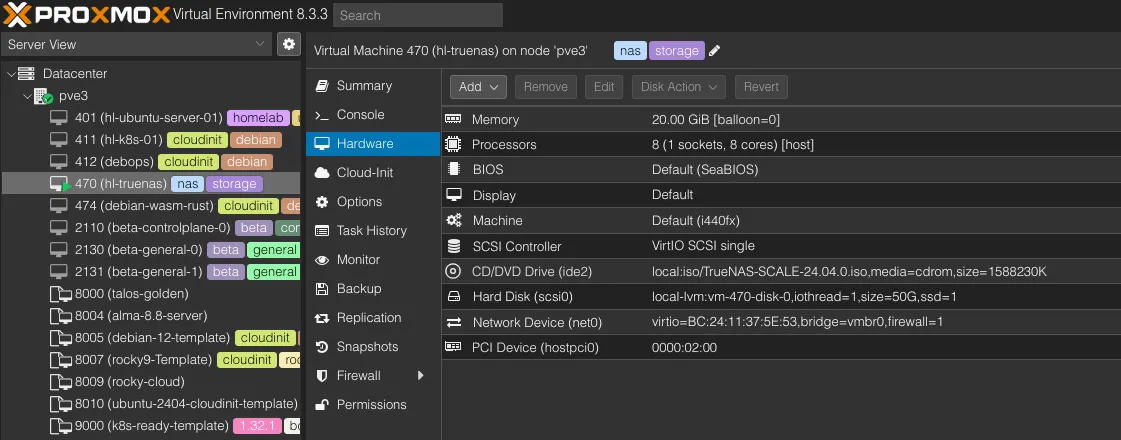
Talos Kubernetes Cluster
This node runs a 3-node Talos cluster for testing heavy-duty workloads. It’s separate from the K8s cluster on pve2 and is purpose-built for experimenting with Talos Linux as the immutable OS layer.
Beyond that, I spin up and tear down a few Ubuntu proof-of-concept machines as needed for testing.
pve4 & pve5 — The NUC Cluster#
These two Intel NUCs were picked up during college - small machines, but absolute beasts for their size. They’re the only nodes in my lab running in Proxmox cluster mode not for high availability or failover, but simply to get a single pane of glass to manage both from one interface.
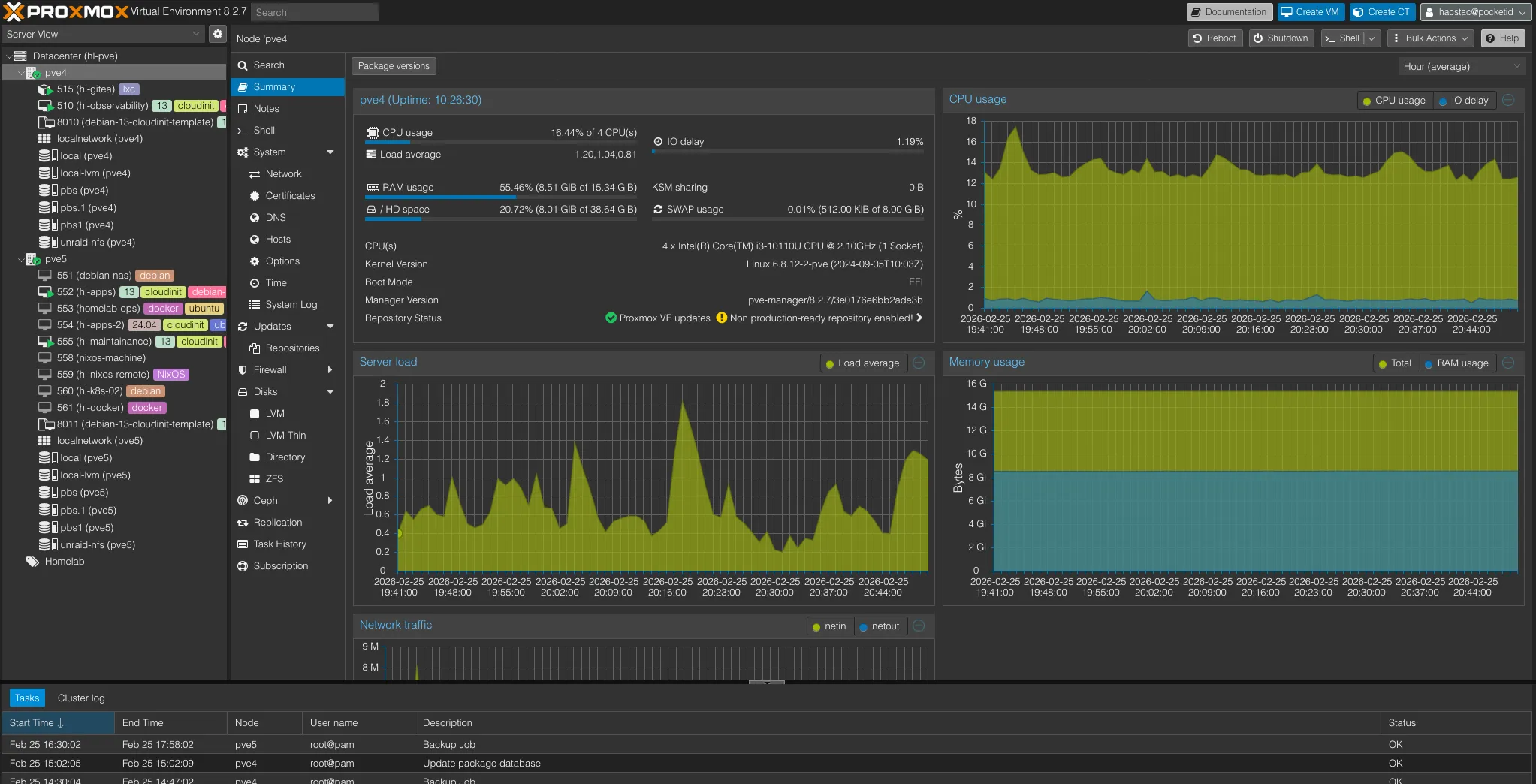
pve4 — Always-On Low-Power Services#
pve4 is a NUC 10i3FNH with a 10th gen i3, 16GB RAM, and both 120GB and 500GB of storage. It runs two things: Gitea and my observability stack.
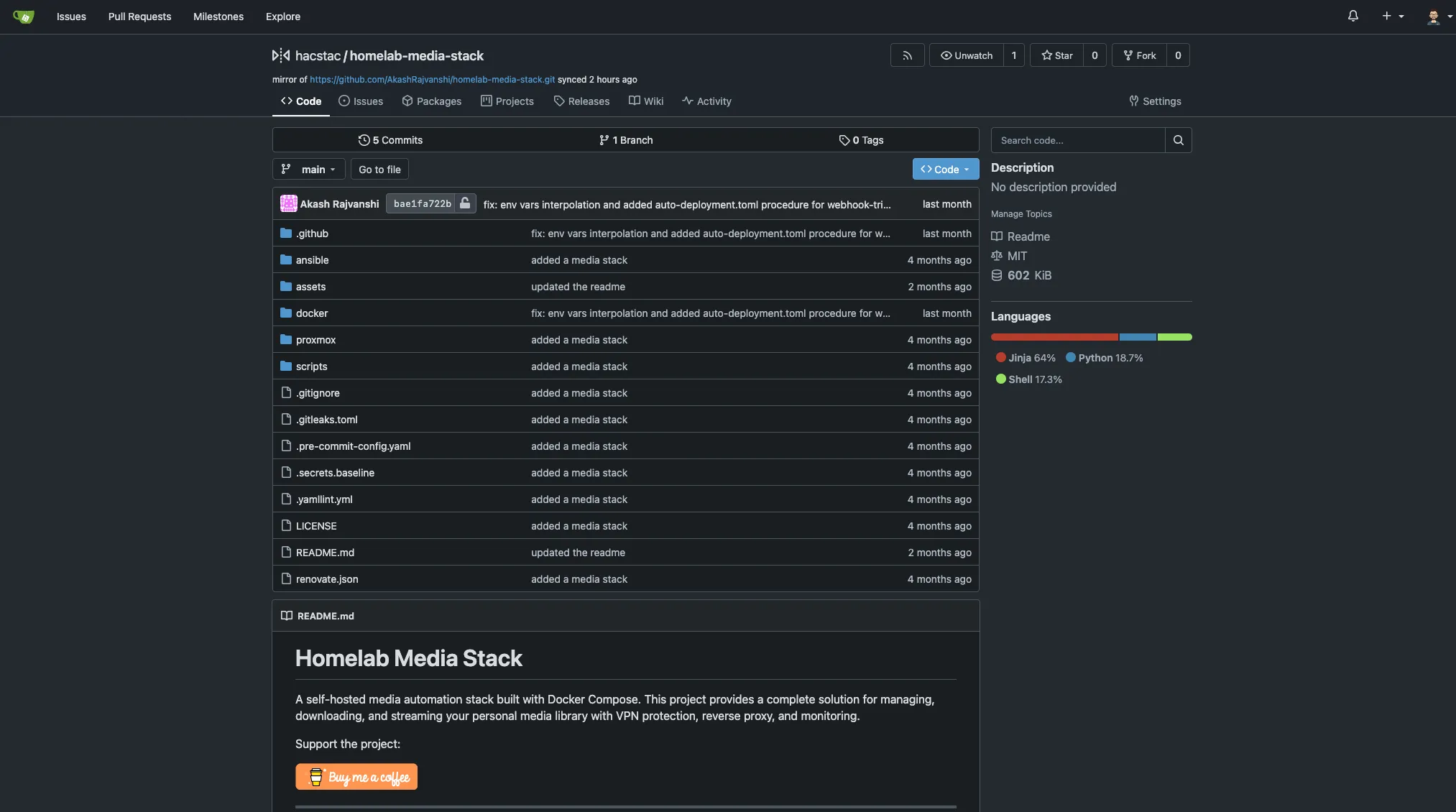
Gitea LXC
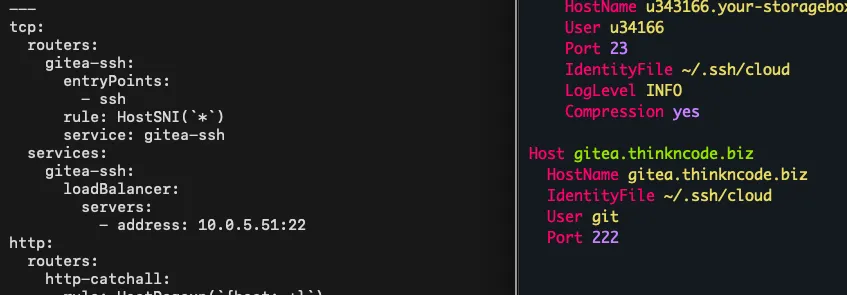
I’ve used Gitea for years and it’s been fantastic. It runs as an LXC container with Traefik in front, configured with TCP passthrough so git-based connections work over HTTPS without any issues — push, pull, clone, it all just works.
hl-observability — The Monitoring Hub
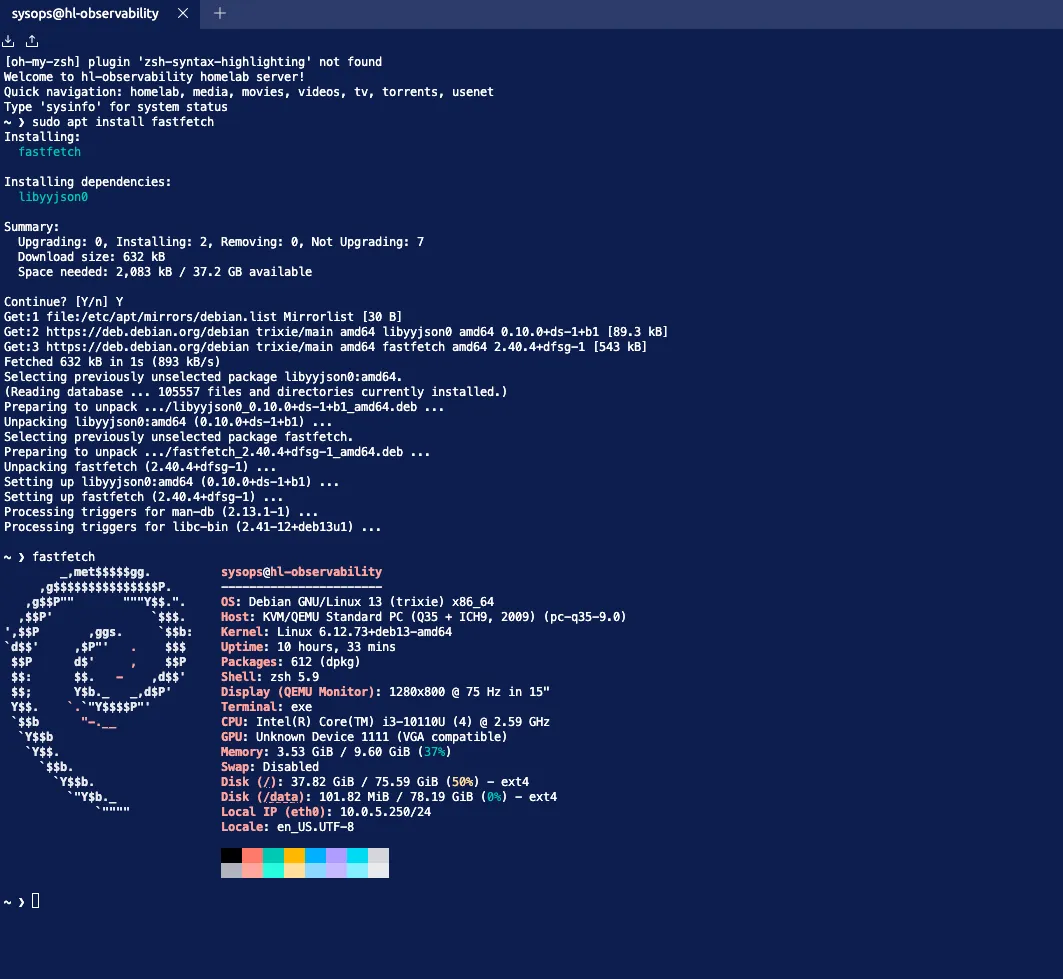
hl-observability is where all my homelab telemetry lands. Every machine in the lab runs an OpenTelemetry collector and Fluent Bit agent that ship data to Kafka (running on hl-maintenance on pve5). From there, dedicated OTel and Fluent Bit consumers pull from Kafka and push metrics into VictoriaMetrics and logs into VictoriaLogs for long-term retention. I’ll cover the full pipeline and stack breakdown in Part 3’s Observability section.
pve5 — Self-Hosted Apps & Maintenance#
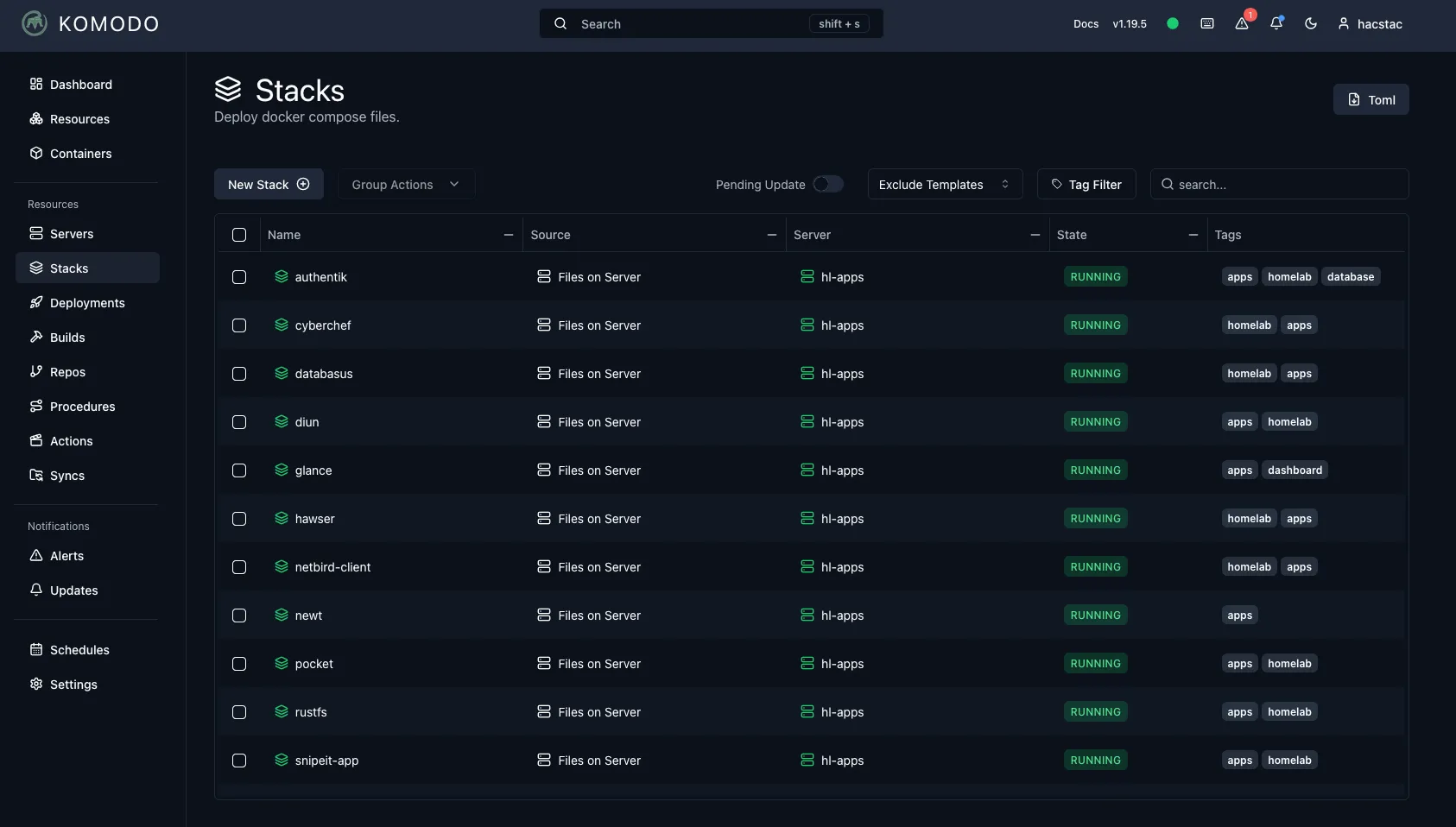
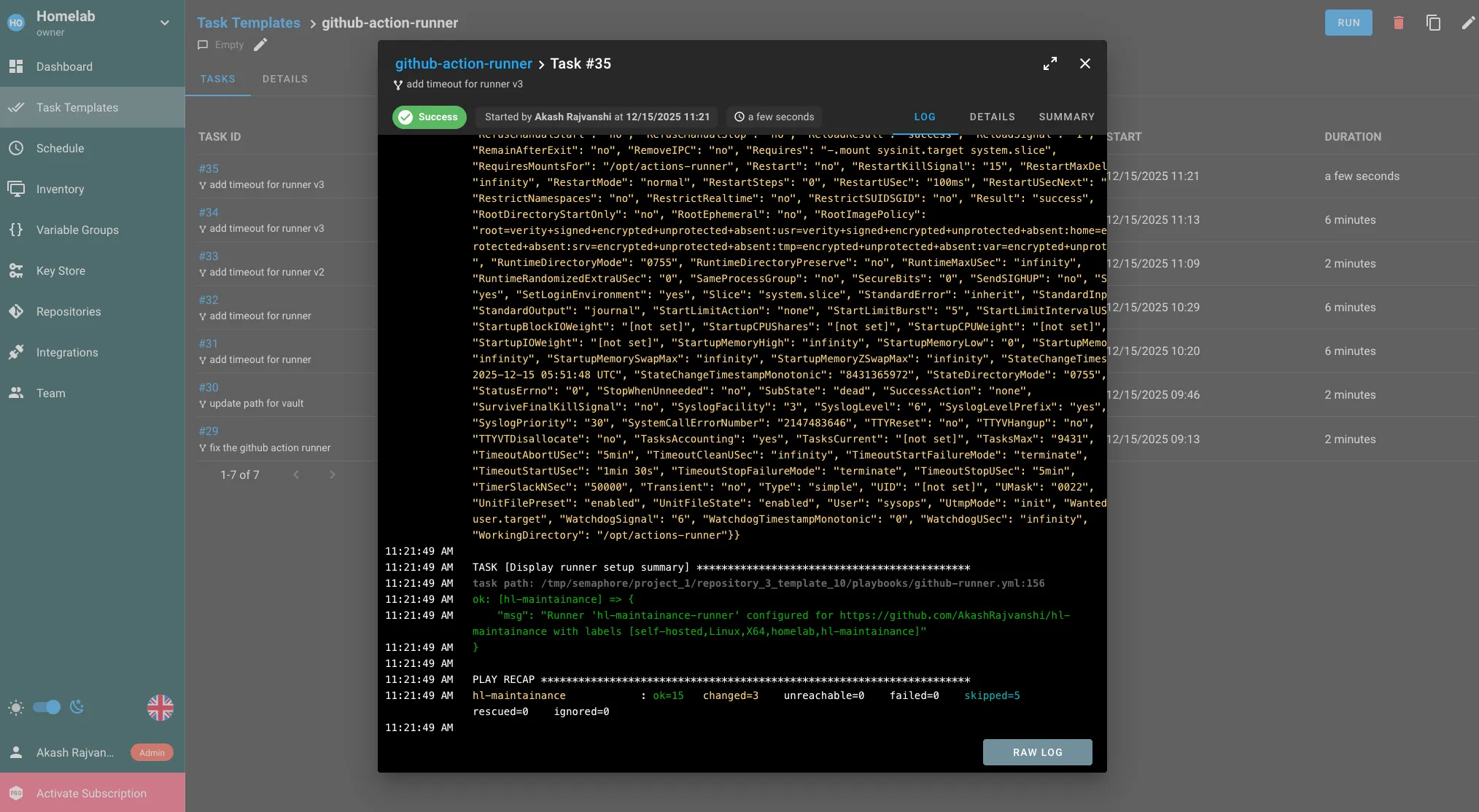
pve5 is the other NUC, an 8th gen i5 with 32GB RAM and both 240GB and 500GB of storage. It handles most of my self-hosted applications, plus the Kafka-based data pipeline that powers the observability stack on pve4. Like pve2, all Docker-based VMs here use CI/CD with GitHub Actions and Komodo for continuous delivery. Semaphore also runs as the Ansible host, configuring servers across the lab.
hl-apps — Self-Hosted Applications
hl-apps is the main self-hosted services VM. Here’s the full stack:
| Category | Services |
|---|---|
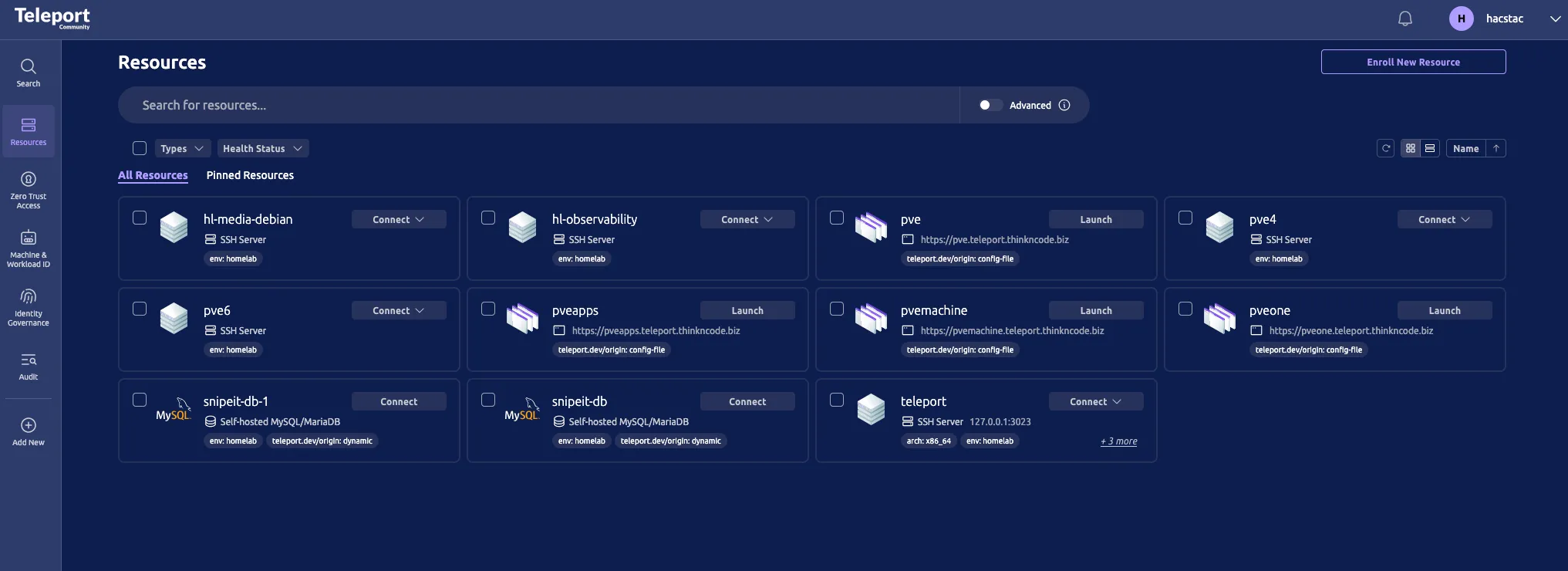
| Identity & Access | authentik (+ postgres + backup), teleport |
| Productivity | freshrss (+ fivefilters), archivebox, karakeep, nextexplorer, bookstack, fireflyIII |
| Inventory & Finance | snipeit (+ db), wallos |
| Server Management | webmin, usermin, semaphore |
| Infrastructure | traefik, komodo, gitea mirror, rustdesk, traefik log dashboard |
| Backup | databasus, rustfs |
| Observability | fluentbit, otel, hawser agent, netbird agent |
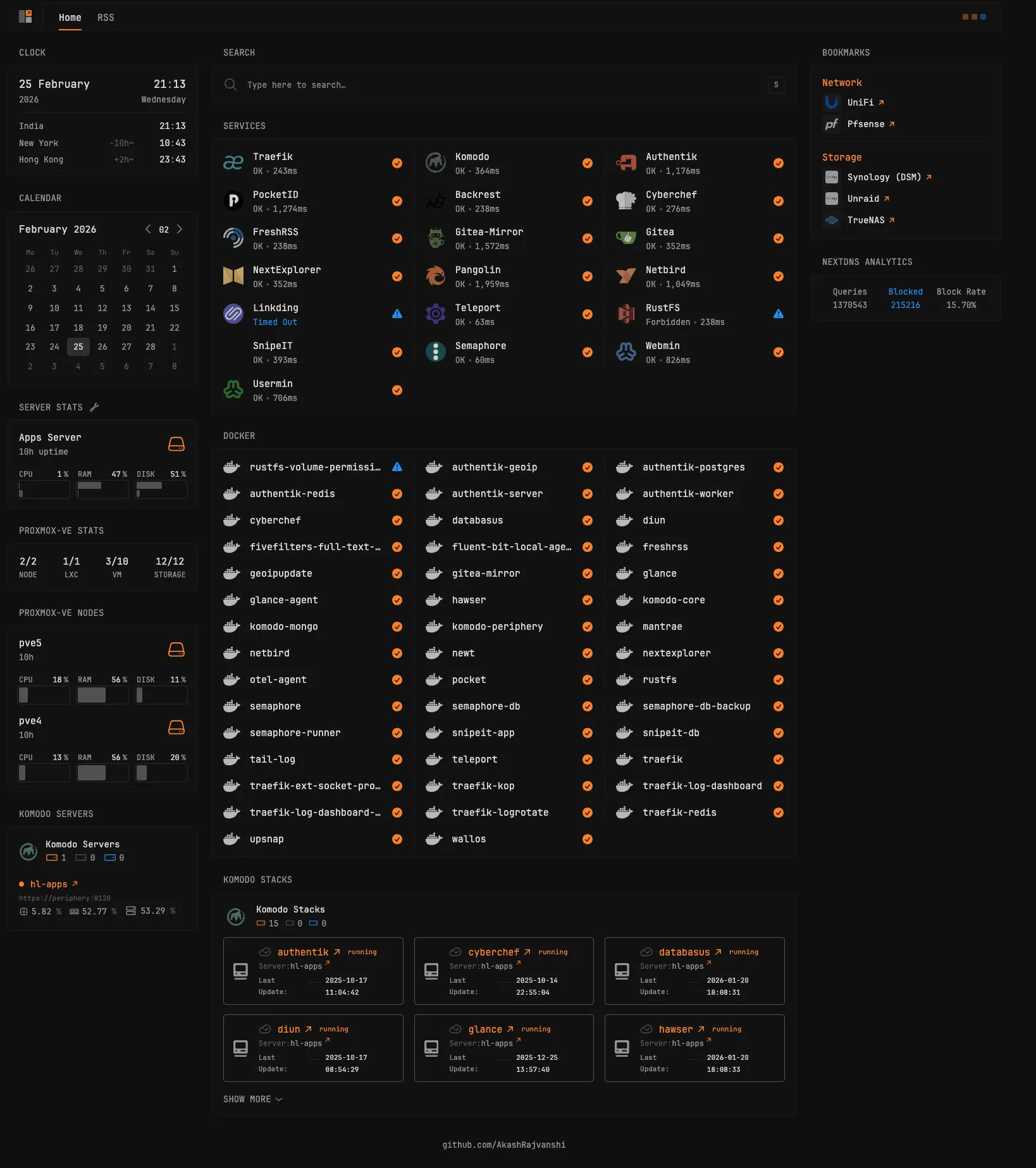
| Utilities | cyberchef, diun, glance |
A few highlights on the app choices:
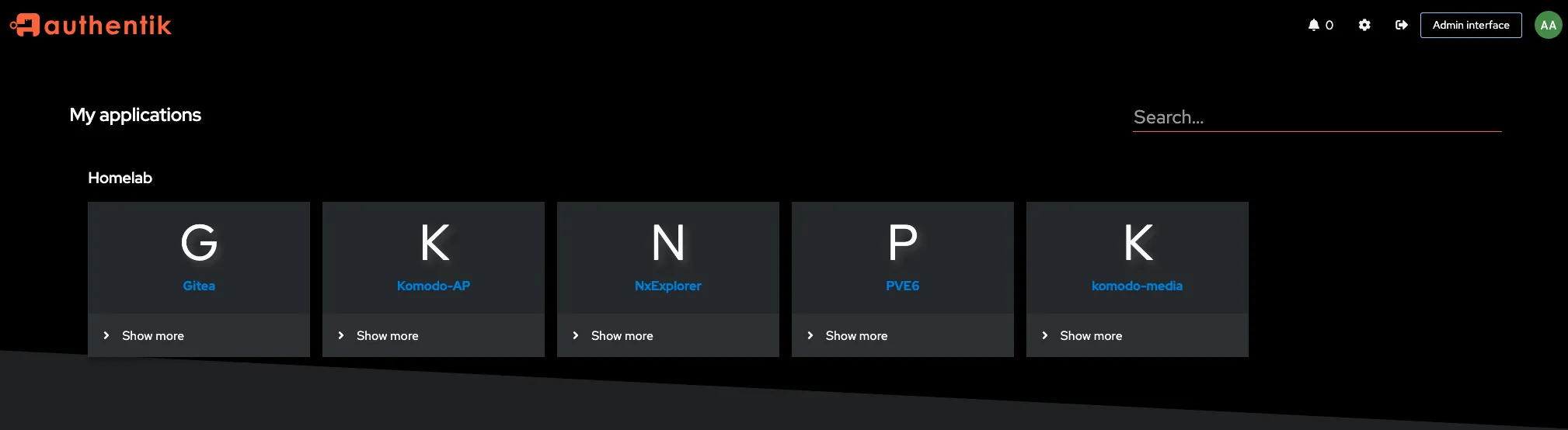
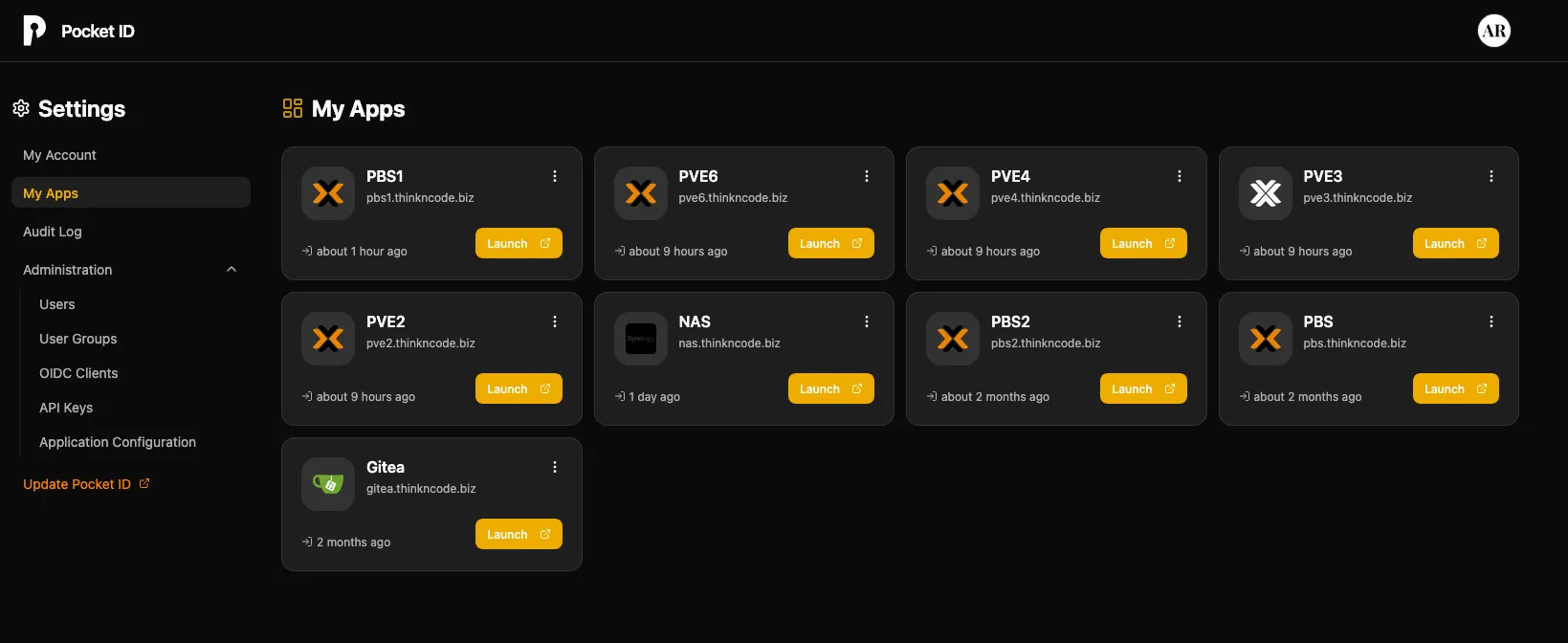
- Authentik handles OIDC across the homelab, paired with Pocket ID on my Hetzner VPS for external authentication.
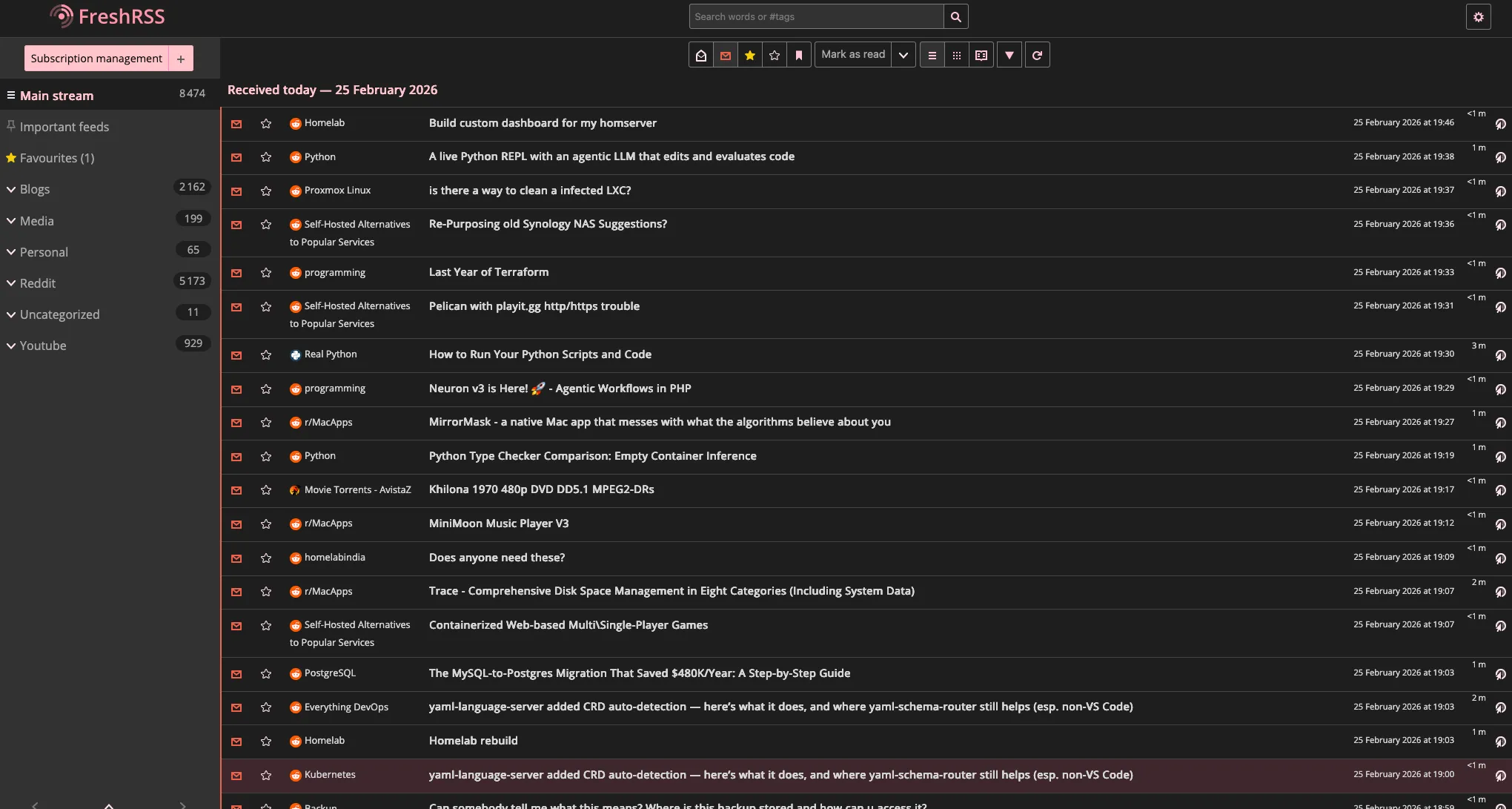
- FreshRSS + FiveFilters is my RSS solution for blogs, newsletters, and video updates. I read everything through Reeder on iOS.
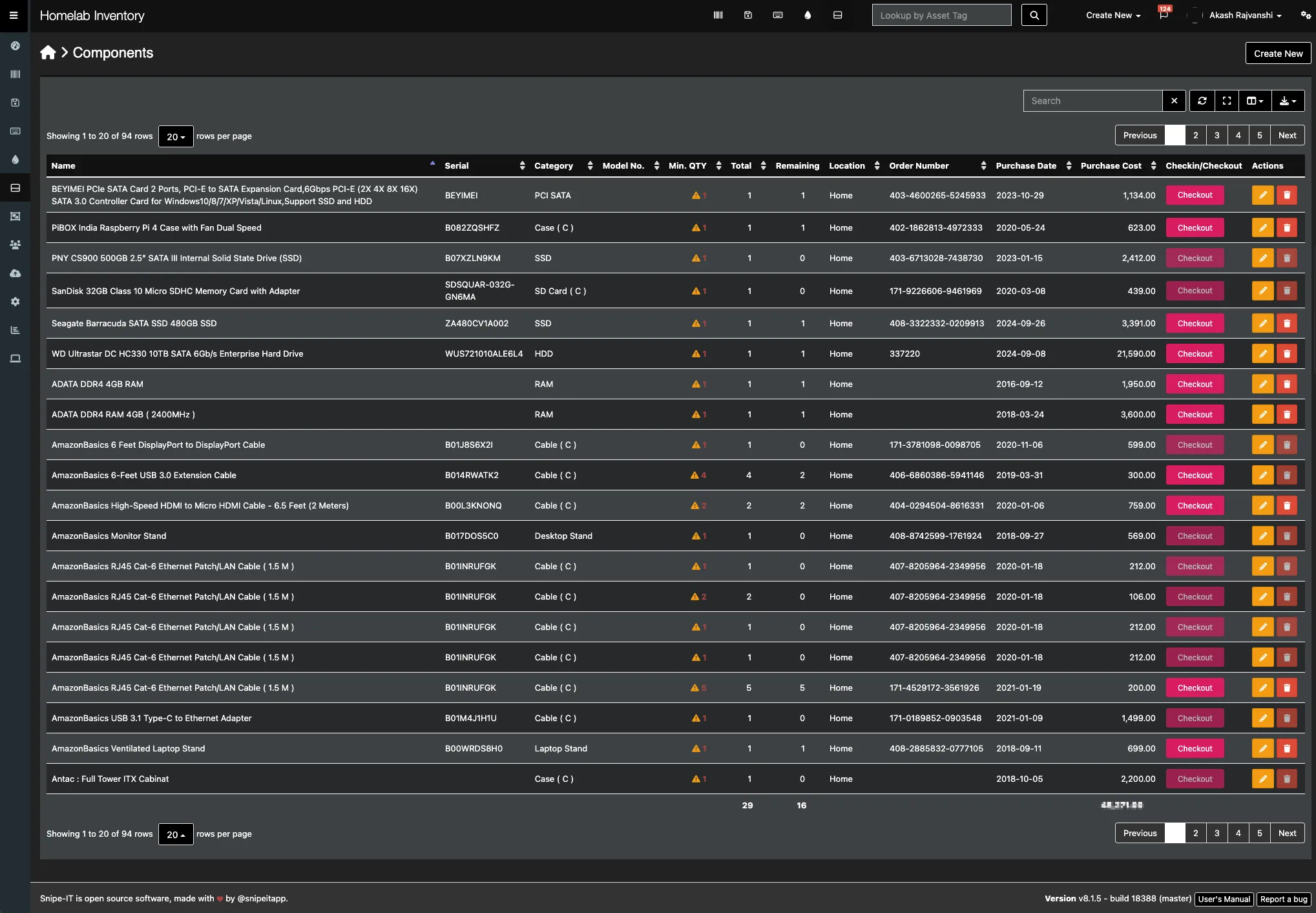
- SnipeIT is my homelab inventory system, every component is tracked with its order number, purchase date, vendor, warranty status, and whether it’s deployed or available.
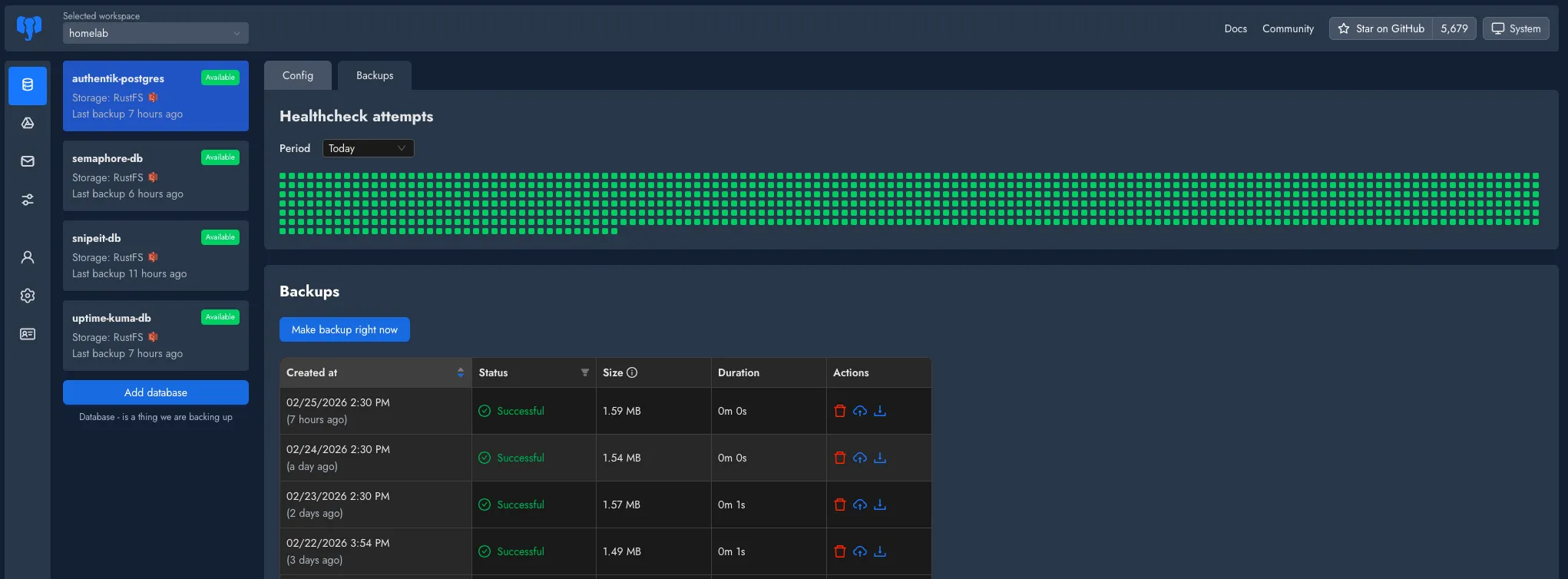
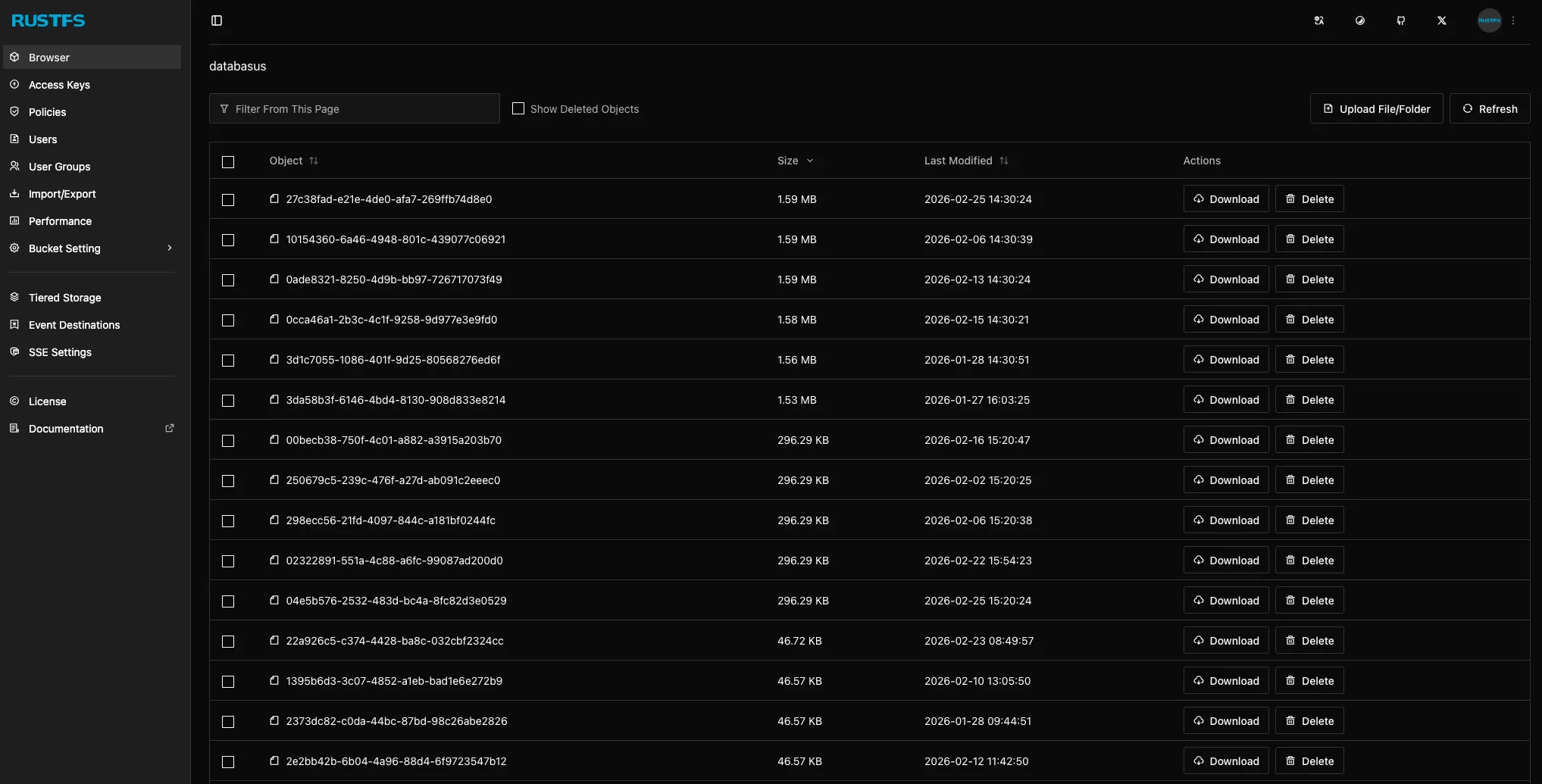
- Databasus + RustFS handle database backups across the homelab. Databasus takes the dumps; RustFS stores them.
- Semaphore acts as the Ansible host for configuring and provisioning servers.
- Teleport provides secure access to systems without exposing SSH directly.
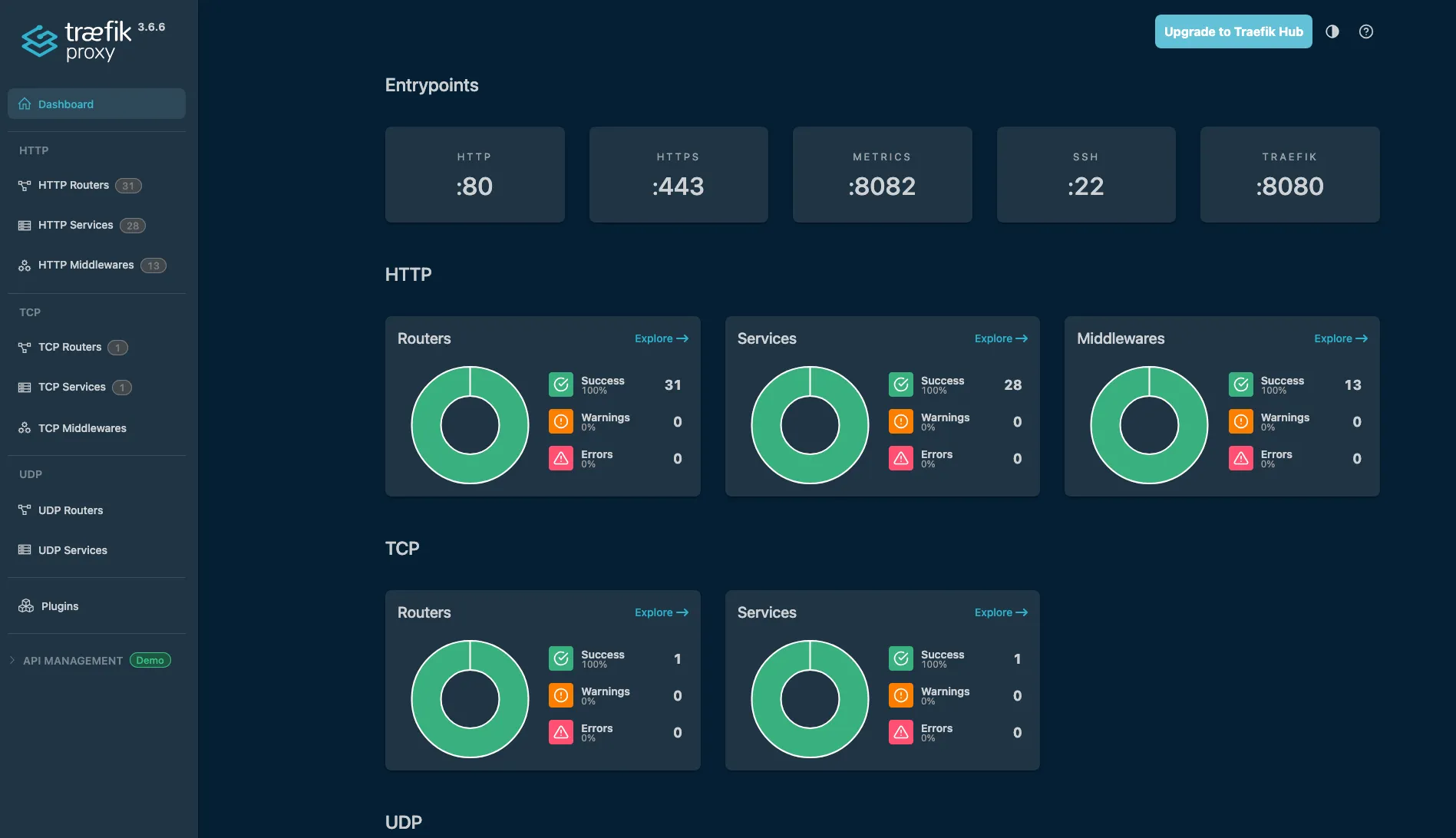
- Webmin + Usermin and Traefik + Komodo are installed on every server in my lab — they’re my standard management and infrastructure stack.
I also run Bookstack and Firefly III as part of my self-hosted toolkit.

hl-maintenance — The Data Pipeline
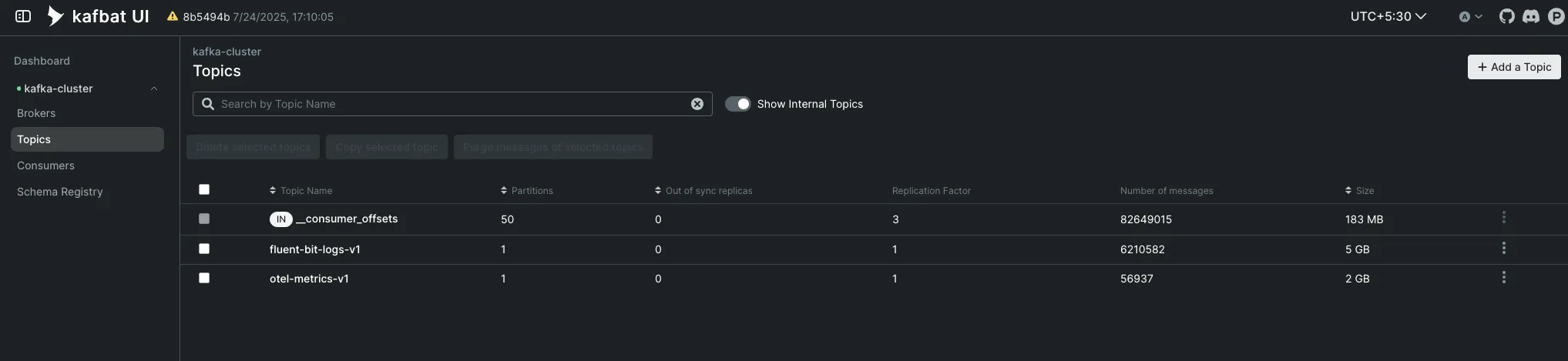
hl-maintenance powers the data pipeline that feeds my observability stack. A 3-node Kafka cluster sits at the center — every OTel and Fluent Bit agent in the lab publishes to Kafka, and dedicated consumers on this VM pull the data and forward it to VictoriaMetrics and VictoriaLogs on pve4.
| Category | Services |
|---|---|
| Kafka | kafka (3-node cluster), kafka ui, kafka-exporter |
| Consumers | otel kafka consumer, fluentbit kafka consumer |
| Infrastructure | traefik, komodo, otel, fluentbit |
| Server Management | webmin, usermin |
Other VMs on pve5:
- hl-k8s-02 — a Kubernetes cluster node
- NixOS testing and POC machines
- Ubuntu / Debian POC machines
pve6 — Media & Transcoding#
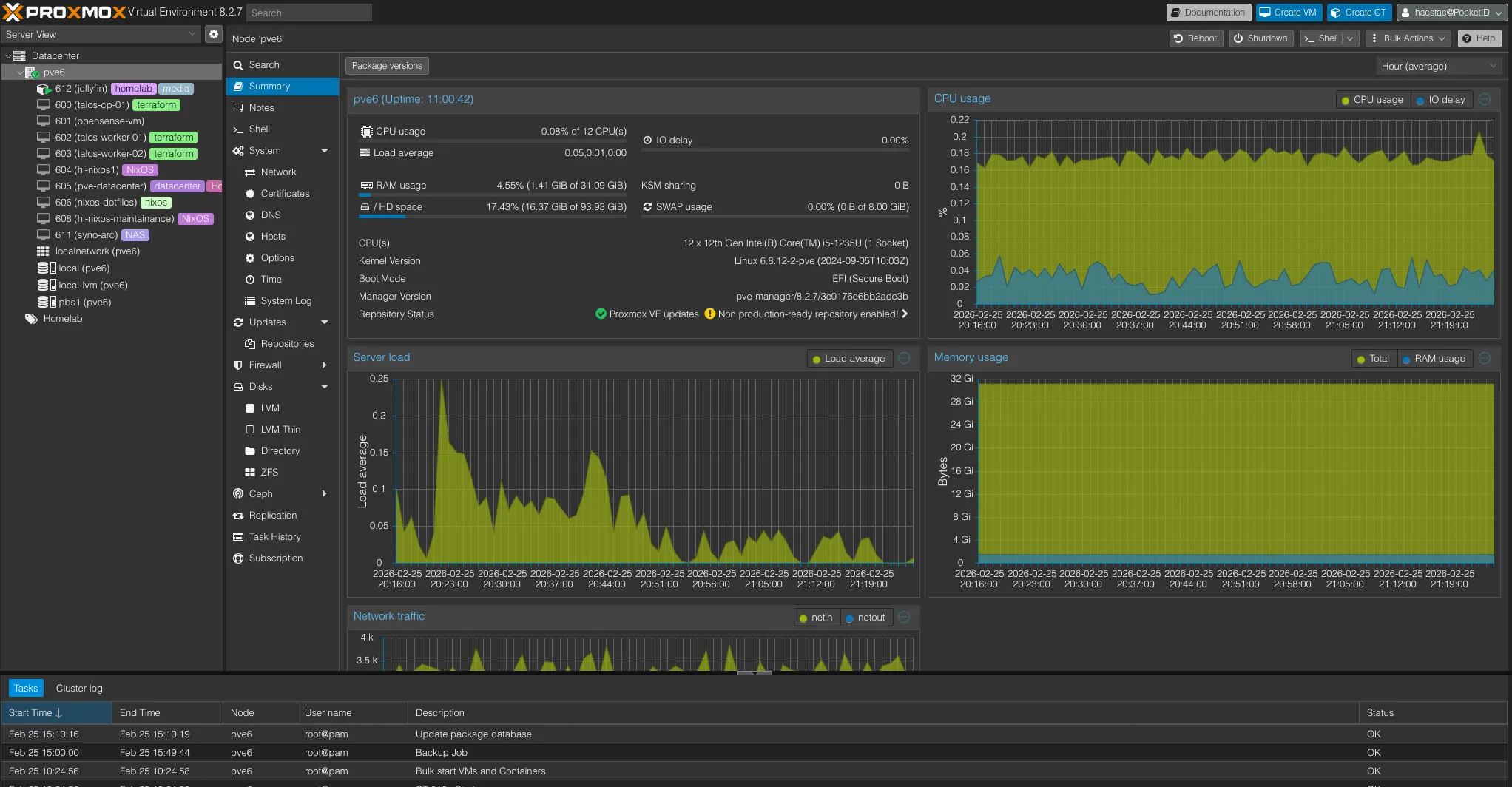
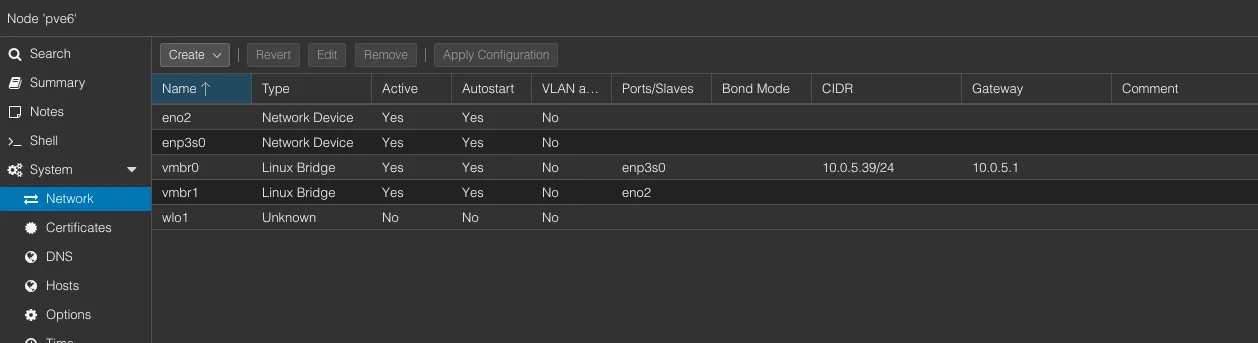
This is a new addition to my homelab: a lightweight but powerful ASUS PL64 with a 12th gen i5, 32GB RAM, 500GB storage, and multiple NICs. The 12th gen CPU with Quick Sync makes it perfect for media transcoding — exactly why I run Jellyfin here.
Jellyfin LXC
Jellyfin runs as an LXC container, mounting NFS shares from both Unraid and TrueNAS for its media libraries. The i5’s Quick Sync handles hardware transcoding efficiently — no dedicated GPU needed. This setup offloads transcoding from the hl-media stack on pve2, which manages downloading and organizing.
Other VMs on pve6:
- Talos K8s Cluster — A testbed for Kubernetes experimentation
- NixOS / Debian POC machines
- PVE Datacenter — the centralized management interface
- Synology ARC — testing Synology’s cache acceleration
NAS & Storage Services#
Unraid — Docker Containers & NAS#
Unraid is the workhorse of my homelab. Hardware details are in Part 1, but as a quick recap: it runs on an i5-8600K with 32GB RAM, two 4TB Seagate IronWolf drives, a 1TB Seagate Barracuda, and SSDs for cache — old but powerful, it does more work than any other machine.
Beyond file serving (covered in Part 1), Unraid runs a PBS VM and several Docker containers:
PBS — Primary Backup Server (on Unraid)
| Spec | Value |
|---|---|
| vCPU | 6 cores |
| RAM | 4 GB |
| Disk | 600 GB |
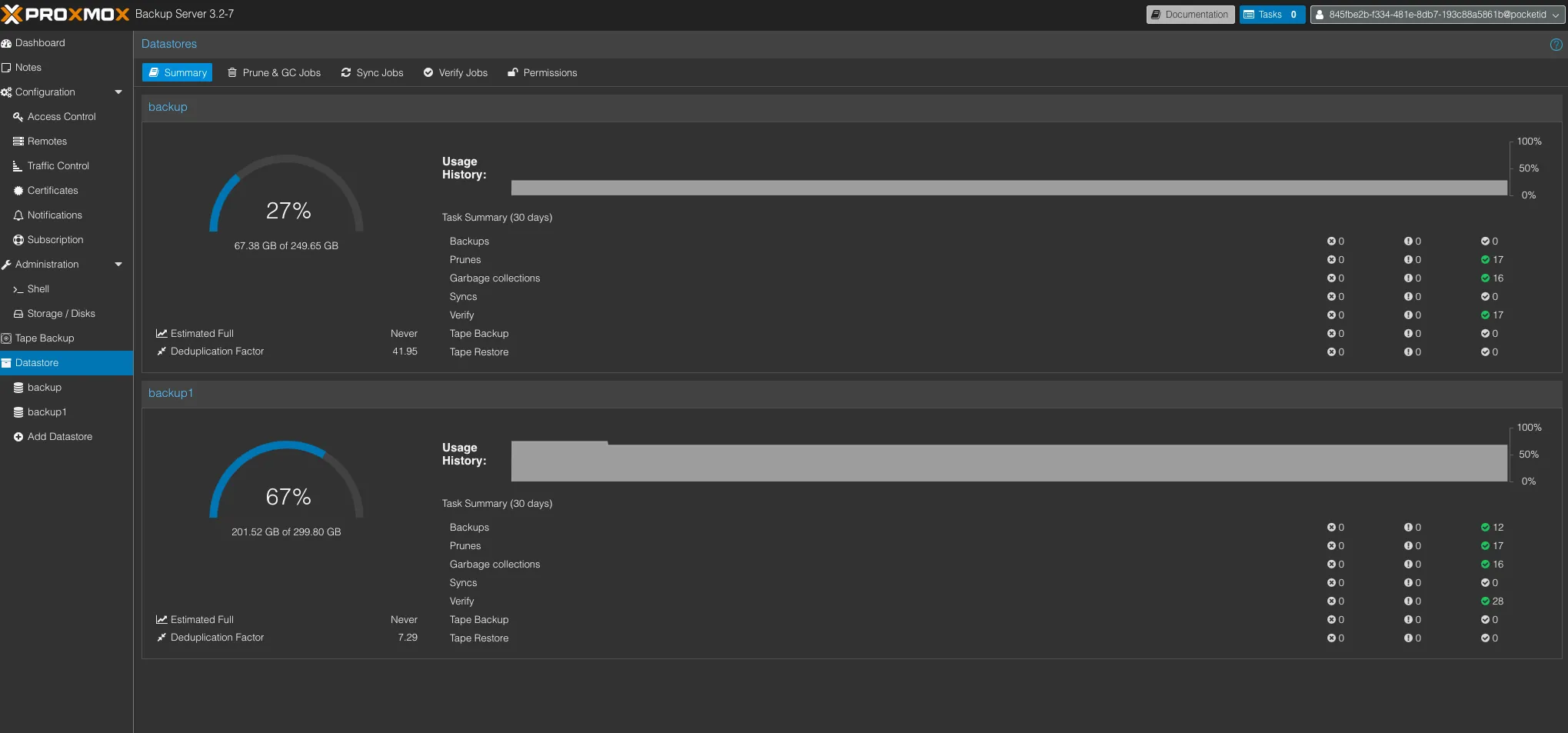
PBS on Unraid is the primary backup target for my Proxmox cluster. All PVE nodes back up here first, and the data benefits from Unraid’s parity protection. PBS1 on pve2 and PBS2 on pve are secondary/offsite copies that sync from this instance.
Docker Containers on Unraid:
| Service | Purpose |
|---|---|
| Immich (+ PostgreSQL) | Self-hosted photo and video management — Google Photos replacement |
| Syncthing | Continuous file synchronization between devices |
| SeaweedS3 | S3-compatible object storage for homelab services |
| Booklore | E-book library and management |
| Rclone UI | Cloud storage management and sync with a web interface |
| NginxProxyManager | Reverse proxy and SSL management for Unraid services |
| CopyParty | File sharing and upload portal |
| Filebrowser | Web-based file manager for browsing and managing Unraid shares |
| Netbird agent | Mesh VPN peer for remote access to Unraid |
NFS/SMB Shares:
These shares are exported to network and serve as the central storage backbone for the entire lab:
| Share | Purpose |
|---|---|
| AR-VM-SHARE | Shared storage mounted by VMs across the cluster |
| AR-Backup-URS | Backup data store |
| AR-Learning-URS | Learning materials and courseware |
| AR-General-URS | General-purpose file storage |
| AR-K8S-SHARE | Shared storage for Kubernetes persistent volumes |
| AR-Media-URS | Media library — movies, TV, music |
TrueNAS — Offsite Backup#
TrueNAS runs bare metal and serves as an offsite backup target. Hardware details are in Part 1, but its main job here is simple: keep a second copy of critical data away from primary storage.
Beyond NAS duties, TrueNAS also has an external HDD attached for true offsite backup, a physical copy that can be disconnected and stored separately if needed.
Containers on TrueNAS:
| Service | Purpose |
|---|---|
| Filebrowser | Web-based file manager for browsing and managing shares |
| Syncthing | Continuous file synchronization with other NAS devices |
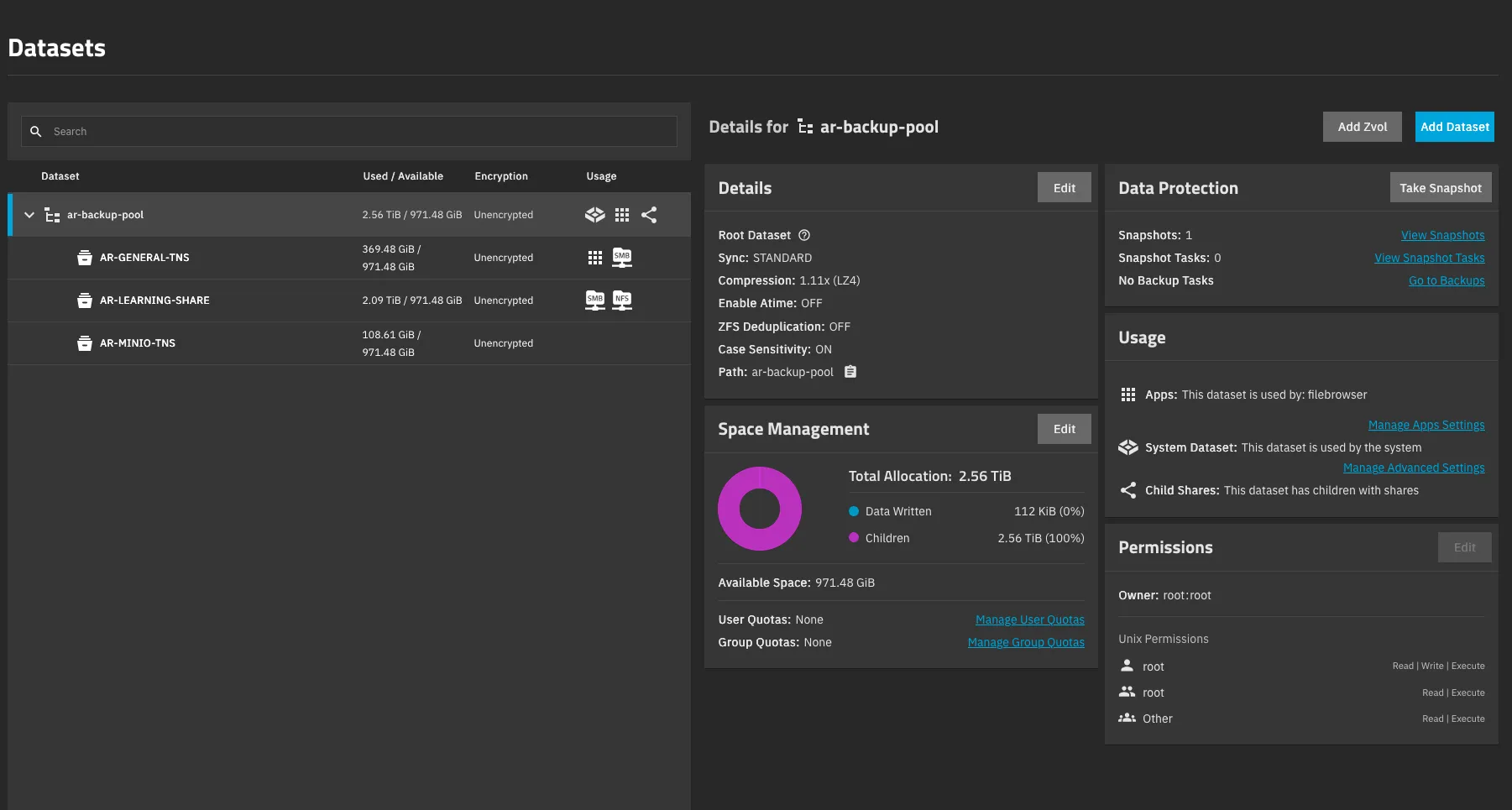
NFS/SMB Shares (TNS = TrueNAS Share):
| Share | Purpose |
|---|---|
| AR-GENERAL-TNS | General-purpose file storage |
| AR-LEARNING-TNS | Learning materials and courseware |
| AR-MINIO-TNS | Object storage data for MinIO/S3 workloads |
HL-TrueNAS — Bulk Storage VM#
HL-TrueNAS is a TrueNAS Scale instance running as a VM on pve3 (covered in Part 1). It stores large files — media archives, system backups, and anything that needs raw capacity. Since these are single disks passed through from the host, there’s no redundancy in this pool. It’s not the place for irreplaceable data, but it works well for bulk storage where copies exist elsewhere.
Containers on HL-TrueNAS:
| Service | Purpose |
|---|---|
| Filebrowser | Web-based file manager for browsing and managing shares |
| Syncthing | Continuous file synchronization with other NAS devices |
| Borgbackup | Deduplicated, encrypted backup tool for offsite data retention |
| UrBackup | Client/server backup system for full image and file backups |
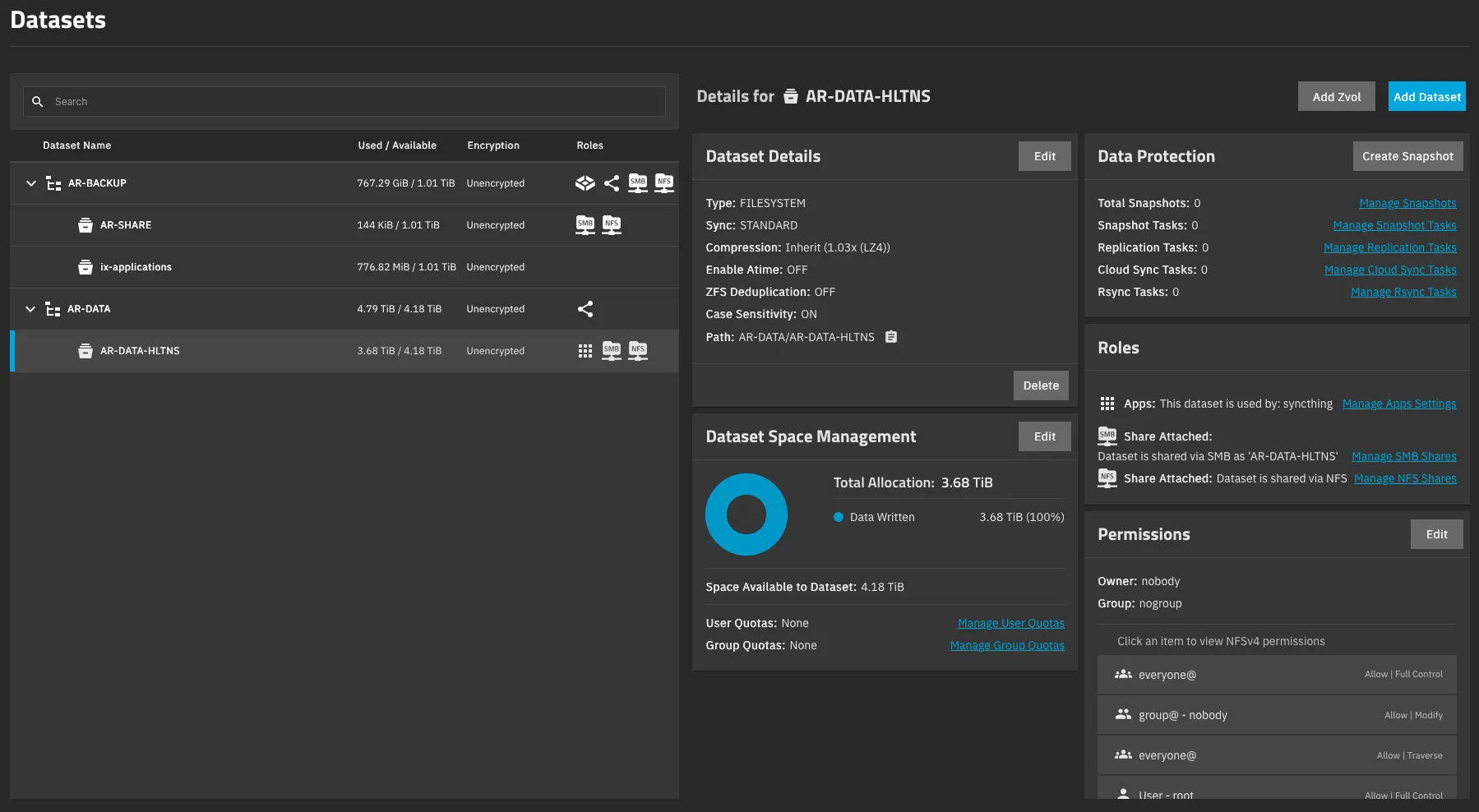
NFS/SMB Shares (HLTNS = HL-TrueNAS Share):
| Share | Purpose |
|---|---|
| AR-SHARE | Shared storage for VMs and services |
| ix-applications | Docker application data (TrueNAS SCALE containers) |
| AR-DATA-HLTNS | Bulk data dump — large files and archives |
Synology NAS — Cloud Sync & Offsite Storage#
The Synology NAS manages cloud sync and offsite replication. It acts as a bridge between my homelab and external cloud storage, keeping local copies of critical data in sync.
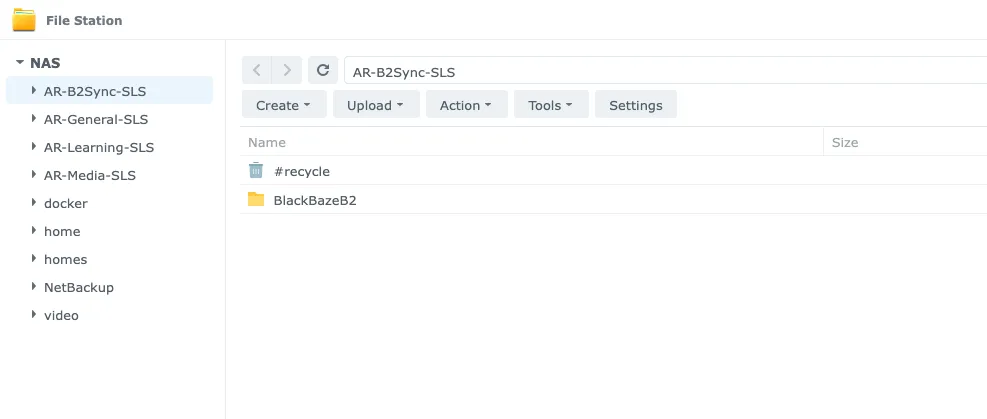
NFS/SMB Shares (SLS = Synology Share):
| Share | Purpose |
|---|---|
| AR-B2BSync-SLS | Backblaze B2 cloud sync — offsite replication |
| AR-General-SLS | General-purpose file storage |
| AR-Learning-SLS | Learning materials and courseware |
| AR-Media-SLS | Media library — movies, TV, music |
Hetzner VPS#
This is a small cloud machine — 2 vCPUs, 4GB RAM, and a 30GB disk — running on Hetzner. It follows the same CI/CD approach as the rest of my lab: Docker Compose with GitHub Actions and Komodo.
This VPS takes care of everything that needs to be reachable from outside my home network:
| Service | Purpose |
|---|---|
| Netbird | Self-hosted mesh VPN management server — the control plane for all Netbird peers across the lab |
| Pangolin | Reverse tunnel proxy — exposes internal homelab services externally without open ports |
| Pocket ID | OIDC provider for external authentication, paired with Authentik internally |
| Atuin | Shell history sync — search and sync terminal history across all machines |
| Renovate CE | Automated dependency updates — scans repos and creates PRs for outdated packages |
| Linkding | Bookmark manager — self-hosted, fast, with tagging and full-text search |
| CrowdSec | Collaborative security engine — real-time threat detection and IP reputation |
| Postiz | Social media scheduling and management |
| Traefik | Reverse proxy with Let’s Encrypt for all VPS services |
| Traefik Middleware Manager | Centralized middleware configuration for Traefik |
What’s Next#
This covers every service, VM, LXC, and container running in my homelab, including Proxmox nodes, Unraid, TrueNAS, and the Hetzner VPS. Each component serves a specific purpose, and the entire setup operates reliably each day.
For details on operations, including backup, monitoring, deployment, and future plans for 2026, see Part 3: Operations & Plans.